

Introduction
If you are searching for a face swap apps comparison before paying for Reface, Faceapp, or iMideo, the real question is not simply which app looks fun. You need to know which option creates realistic results, handles video well, fits your privacy comfort level, and makes sense as a subscription.
This face swap apps comparison focuses on paid-plan decision makers: creators, social editors, meme makers, and anyone who has tested one or two tools but felt limited by watermarks, short clips, unclear export quality, or results that looked artificial. Reface is widely known for fast entertainment-style swaps. Faceapp is better known for portrait edits and face transformation filters. iMideo focuses on AI-powered face swap and head swap workflows, with the iOS app supporting image and video Face Swap plus image and video Head Swap.
For creators who specifically want web-based video replacement, AI Video Face Swap Online is also worth comparing because it is built around uploading a face photo and a video for frame-by-frame style replacement. This guide keeps the comparison practical, so you can decide which tool deserves your money in 2026.
Quick Comparison Table
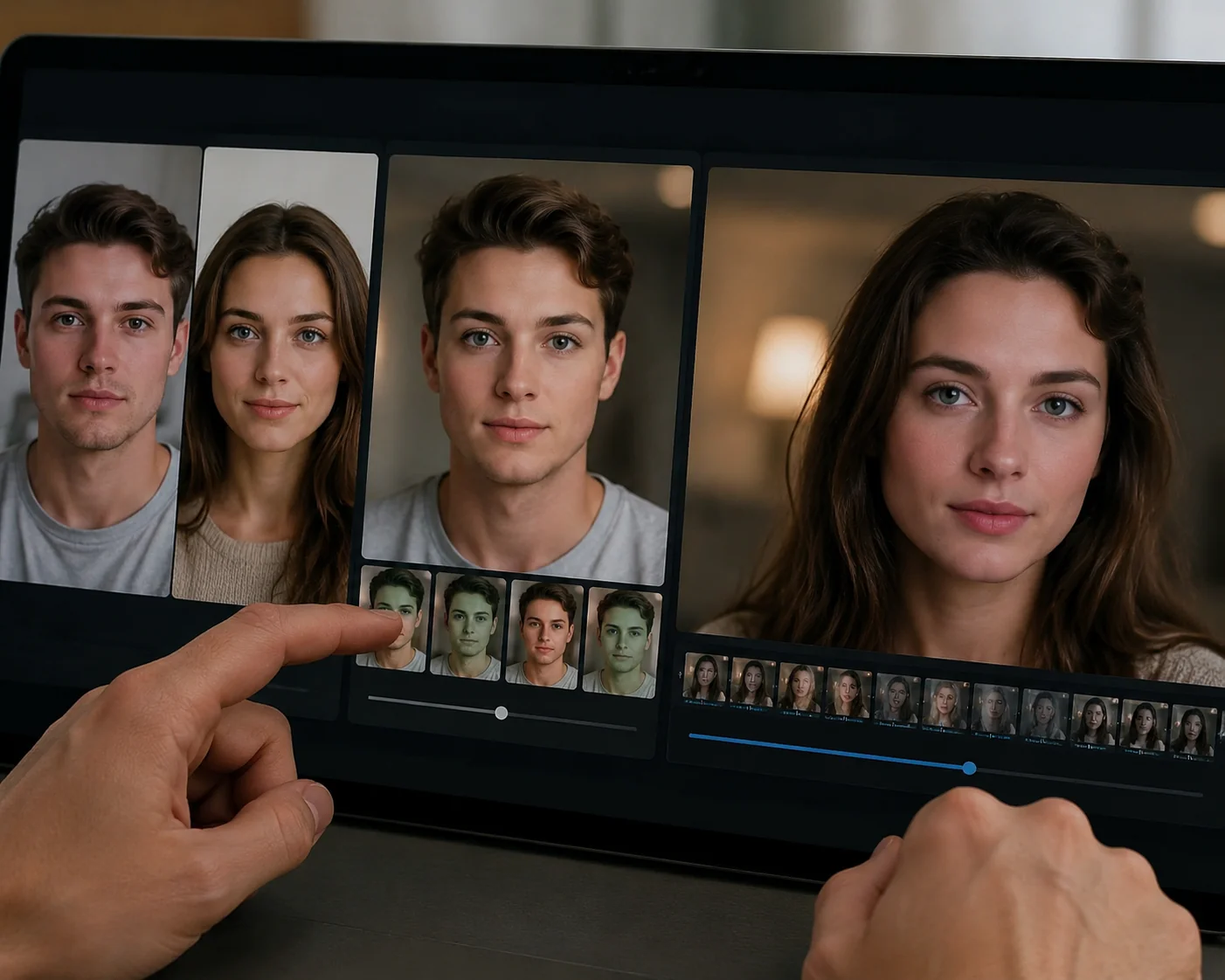
The table below gives you a fast face swap apps comparison before we go deeper. Treat it as a buying shortlist rather than a final verdict, because your best choice depends on whether you care more about viral templates, portrait editing, video swaps, or creator control.
| App | Best For | Core Strength | Video Face Swap | Main Tradeoff |
|---|---|---|---|---|
| Reface | Fast social entertainment | Template-based swaps and quick sharing | Commonly associated with short-form video swaps | Less flexible for custom creator workflows |
| Faceapp | Photo transformation and portrait edits | Face filters, age looks, and selfie-style edits | Not the main reason most users choose it | Face swap may feel secondary to photo editing |
| iMideo | Focused face and head swap workflows | Image/video Face Swap and Head Swap in the iOS app | Supported in the iMideo iOS app | Advanced non-swap media tools are on web, not the app |
Reface: Overview
Reface is often the first name people recognize in a face swap apps comparison because it made face swapping feel casual, fast, and shareable. Its appeal is speed: you open the app, choose a template or clip, place your face into it, and get something you can send to friends or post quickly. For entertainment content, that low-friction flow is valuable.
The strongest Reface use case is short-form, template-driven creation. If your goal is to make a celebrity-style clip, a reaction meme, or a playful video without building a custom scene, Reface can feel efficient. It is also friendly for users who do not want to adjust many settings. The app guides the experience, which reduces decision fatigue.
The limitation is the same thing that makes it convenient. Reface can feel less flexible when you want a specific custom video, consistent output across several assets, or more control over the source material. In a creator workflow, templates can become a ceiling. If every output depends heavily on available presets, your content may start to look familiar to audiences who follow the same trends.
Pricing and subscriptions should be reviewed inside the app store or official app before committing, because plan terms, trial rules, renewal timing, watermark behavior, and export limits can change. For paid users, the practical question is whether you will use Reface enough for recurring short-form entertainment. If you create several quick posts every week, the value can be clear. If you only need occasional custom swaps, a subscription may feel harder to justify.
Reface Pros
- Fast setup for casual video and meme-style swaps.
- Good fit for users who prefer templates over manual control.
- Useful for quick social sharing and entertainment experiments.
Reface Cons
- Template-first workflows may limit originality.
- Less ideal when you need precise custom source videos.
- Subscription value depends heavily on how often you create.
In short, Reface performs best when you want speed and entertainment. In this face swap apps comparison, it is the playful option rather than the most controlled creator tool.
AI Video Face Swap Online
Upload a face photo and MP4 or MOV video to replace faces online with frame-by-frame tracking, adaptive blending, and 720p MP4 output.
Free to start • No credit card required • Professional quality

Faceapp vs iMideo: Overview
Faceapp belongs in any serious face swap apps comparison, but it should be understood correctly. Many people use Faceapp for portrait transformations, age effects, expression changes, and selfie-style enhancements. That makes it useful if your priority is editing a face in a still image rather than building a repeatable face swap content workflow.
Faceapp may be appealing if you want polished portrait edits with minimal effort. It is often chosen by users who care about how a single photo looks, especially for social profile images, creative filters, or appearance experiments. However, if you are comparing tools mainly for face swap video, Faceapp may not be the most direct match. Its identity is broader than swapping one face into another clip.
iMideo takes a more focused approach for the swap use case. The iMideo iOS app currently supports Face Swap for images and videos, replacing facial features such as eyes, nose, and mouth while keeping hair, head shape, and body intact. It also supports Head Swap for images and videos, replacing the entire head including hair, which is useful for cosplay-style transformations or scenarios where the hairstyle is part of the identity you want to transfer.
That distinction matters when you are paying. If you want the target person’s hair, body, and head shape to remain recognizable, Face Swap is usually the better fit. If you need the entire head replaced, Head Swap can be more appropriate. For a deeper workflow breakdown, our complete AI face swap guide for 2026 explains when each approach makes sense.
iMideo’s web version covers a wider surface of AI media tools, including AI face swap, AI head swap, video generation models, image generation, and editing tools. The iOS app should not be confused with the full web product. On mobile, iMideo’s shipped app features are Face Swap and Head Swap for image and video, which keeps the app focused rather than overloaded.
Faceapp Pros
- Strong for portrait transformations and face-focused photo edits.
- Simple experience for users who want quick selfie changes.
- Useful when your content is photo-first, not video-first.
Faceapp Cons
- Face swap is not the clearest reason to choose it.
- Less suited to creators who mainly compare video swap workflows.
- Paid value depends on whether you need its broader portrait filters.
iMideo Pros
- Focused image and video Face Swap support in the iOS app.
- Head Swap support for replacing the full head, including hair.
- Clearer fit for creators comparing swap-first tools.
iMideo Cons
- Advanced non-swap tools belong to the iMideo web experience, not the iOS app.
- Users who only want beauty filters may prefer a portrait-editing app.
In this face swap apps comparison, Faceapp is the photo transformation option, while iMideo is the more direct swap-focused alternative.
Key Differences
The most useful face swap apps comparison comes down to six differences: creative control, video support, photo editing depth, template dependence, privacy review, and long-term value.
1. Creative control: Reface is convenient when you like guided templates. iMideo gives creators a clearer distinction between Face Swap and Head Swap, which helps when the target body, hair, or head shape matters. Faceapp is strongest when the creative task is changing the look of a face in a photo.
2. Video focus: Reface is strongly associated with short social video entertainment. iMideo’s iOS app supports Face Swap and Head Swap for video, making it relevant when your output is not just a still image. Faceapp is less video-centered for this specific use case.
3. Photo transformation: Faceapp has an advantage if your content is mostly portrait filters or appearance changes. Reface and iMideo are more naturally evaluated around swapping identity into another image or video.
4. Workflow speed: Reface is quick for template-based fun. iMideo is better when you want a swap-first workflow with separate options for facial-feature replacement and full-head replacement. If you are comparing manual editing against AI tools, the Photoshop versus AI face swap speed comparison is useful context.
5. Privacy review: Before paying for any app, read the current privacy policy, retention terms, consent guidance, and subscription rules. Face swap consent laws vary by jurisdiction, so check the rules that apply to your use case, especially for public or commercial content.
6. Long-term value: A subscription is worth it only if the tool matches your recurring output. This face swap apps comparison favors Reface for frequent playful posts, Faceapp for portrait edits, and iMideo for creators who want image and video swap workflows.
Which One Should You Choose?
Choose Reface if your main goal is speed, entertainment, and ready-made social templates. It is a practical pick when you want to generate funny clips quickly and you do not need much control over the source video or final creative direction.
Choose Faceapp if your real need is portrait transformation rather than a dedicated face swap workflow. If you mostly edit selfies, test age looks, adjust expressions, or create stylized profile images, Faceapp may deliver more daily value than a swap-first app.
Choose iMideo if this face swap apps comparison reflects your actual buying concern: you want a tool built around image and video Face Swap, with Head Swap available when the full head, including hair, needs to change. iMideo is especially relevant for creators who need clearer control over whether they are replacing facial features or the entire head.
If your workflow is web-first and video-specific, you can also compare an ai video face swap tool for custom MP4 or MOV projects. For mobile use, the iMideo iOS app keeps the focus on shipped swap features: Face Swap and Head Swap for images and videos.
The practical decision is simple: Reface for fast templates, Faceapp for portrait edits, iMideo for focused swap creation. That is the core takeaway from this face swap apps comparison.
Conclusion
A smart face swap apps comparison should look beyond which app is most popular. Reface is strong for fast, entertaining templates. Faceapp is a better fit for portrait transformations and selfie-style edits. iMideo is the stronger option when you specifically want Face Swap and Head Swap workflows for both images and videos on iOS.
Before subscribing, check current plan terms, export limits, watermark behavior, privacy details, and whether your use case involves consent requirements. If you create regularly, the right app is the one that matches your repeat workflow, not just the one that produces one impressive test result.
For creators comparing paid tools in 2026, iMideo is a practical alternative because it focuses on the swap tasks that matter most. This face swap apps comparison should help you choose with more confidence.
FAQ
Which face swap app has the most realistic results?
Realism depends on source quality, lighting, angle, and whether the tool is swapping facial features or the whole head. In this face swap apps comparison, iMideo is strongest when you need a focused image or video swap workflow.
Is Reface or Faceapp safer for privacy?
Review each app’s current privacy policy before subscribing. Look for data retention, face data handling, deletion options, and consent guidance rather than relying on brand reputation alone.
Which face swap app is the cheapest long-term?
The cheapest option depends on current subscription terms and how often you create. A low monthly price can still be poor value if the app does not match your workflow.
Do all three offer face swap video, or only photo?
Reface is commonly used for short-form video swaps, and iMideo’s iOS app supports video Face Swap and video Head Swap. Faceapp is better known for photo and portrait transformations.
Which app is best for content creators on TikTok?
Reface works well for fast template trends. iMideo is a strong choice when you want more focused image and video swap creation for recurring creator content.