
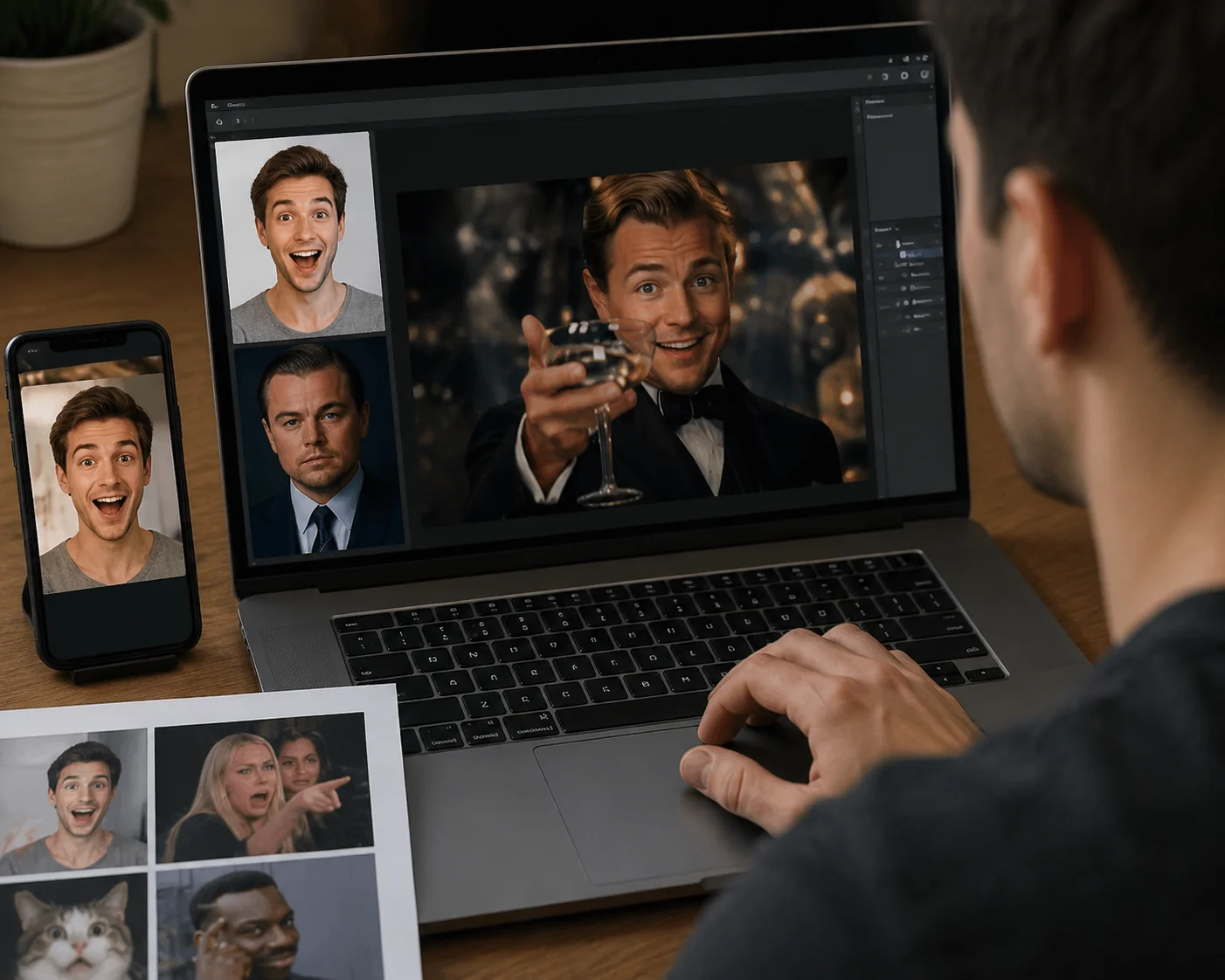
Introduction
Your friend just sent you a hilarious face swap meme on TikTok where their face is pasted onto Drake's classic pointing pose. You laughed. Then you thought: I want to make one too. Good news: you can create one in roughly 30 seconds. No Photoshop, no editing degree, no expensive software.
This guide walks you through the exact 30-second workflow creators use to turn any meme template (Drake, Distracted Boyfriend, Spider-Man Pointing) into a personalized face swap meme that's actually shareable. You'll learn how to pick the right template, upload a clean source photo, add proper meme captions, and export in the format that works best for whichever platform you're posting to.
By the end, you'll have made your first face swap meme. You'll also know how to fix the common issues (tiny faces, misaligned expressions, captions covering eyes) that make beginner memes look rough. Ready? Let's go.
Key Takeaways
- 30-second workflow: template, upload face, generate, caption, export. That's it.
- Template choice matters most: pick memes with clear, front-facing target faces and exaggerated expressions for the best swap results.
- Source photo quality drives output quality: use a well-lit, front-facing selfie with a neutral expression.
- Caption rules are non-negotiable: Impact font, white text with black outline, placed away from the face.
- Format depends on platform: PNG for Twitter/Reddit, GIF for Discord, short MP4 for TikTok and Reels.
What is a face swap meme?
A face swap meme is a classic internet meme template where the original character's face has been digitally replaced with someone else's, usually yours, a friend's, or a celebrity's. It's the natural evolution of the static meme: instead of just slapping captions onto Drake's image, you become Drake.
The format exploded because it combines two things humans already love: recognizable meme templates (instant context, no setup needed) and personalization (it's funnier when it's you). A 2026 Drake meme with your boss's face hits different than the original.
Why memes work as a face swap canvas
Meme templates are almost engineered for face swapping. They typically feature:
- Clear, front-facing faces that are easy for AI to detect and replace
- Exaggerated expressions (squinting, pointing, confusion) that make the swap visually funny
- Cultural shorthand, so viewers already know the joke structure and your swap only needs to deliver the punchline
You can build face swap memes from static images (the classic format), short GIFs (great for Discord and group chats), or full video clips. For video memes, like swapping your face into a viral dance clip, you'll want a tool like the AI Video Face Swap Online that tracks the face frame-by-frame instead of just doing one still image.
One key distinction: a face swap meme isn't trying to fool anyone. It's deliberately obvious, deliberately funny, and works because the audience recognizes both the template and the new face.
Why face swap memes still matter in 2026
You might think memes peaked in 2018. They didn't. Face swap memes are arguably more relevant now than ever, and here's why they remain social currency.
They're the fastest way to participate in culture
When a new template goes viral, the window to post a fresh take is maybe 48 hours. Writing original jokes is slow. Face swapping yourself into the trending template? Thirty seconds. That speed is why creators use face swap memes as their default response to trending audio, breaking news, and inside jokes within friend groups.
They outperform regular memes on engagement
Personalized content gets more reactions than generic content. That's true on every platform. A face swap meme of your friend group reacting to something gets shared inside the group chat (private engagement) and posted publicly. Two wins from one asset.
They work across every platform
The same face swap meme can be posted as a PNG on Twitter, a GIF in Discord, a short MP4 on TikTok, and a Story on Instagram. Few content formats have that range. You make it once, post it five times.
For creators, that's a real edge. For everyone else, it's just genuinely fun.
How the 30-second workflow works
Here's the full workflow at a glance, then we'll break each step down. The whole process: template, upload face, generate, caption, export.
Step 1: Pick the right template
Not every meme template works for face swapping. Use these three principles:
- Recognition: pick templates people instantly recognize, like Drake, Distracted Boyfriend, Spider-Man Pointing, Disaster Girl, or Hide the Pain Harold. If you have to explain the meme, it's the wrong one.
- Face clarity: the original face should be clearly visible, well-lit, and front-facing. Side profiles and shadowed faces are much harder for AI to swap cleanly.
- Expression intensity: exaggerated expressions (squinting, pointing, shock) produce funnier swaps than neutral ones. The contrast between your normal face and the meme expression is where the comedy lives.
Step 2: Upload a clean source photo
Your source face (the one being pasted into the meme) should be:
- Front-facing (no tilted head, no profile shots)
- Well-lit (natural daylight is ideal, avoid harsh shadows)
- Neutral expression (the meme provides the expression; your face just provides the identity)
- High resolution (a blurry source = a blurry swap)
Step 3: Generate the swap
Upload both images to your face swap tool and let the AI do its job. For static memes, this takes 5-10 seconds. For video memes, like dropping your face into a viral clip, it takes a bit longer because the AI tracks your face across every frame.
Step 4: Add the caption
This is the step beginners skip, and it kills the meme. The standard meme caption format is Impact font, white fill, black outline, placed top and bottom (or in the speech bubbles for templates like Drake). We'll cover this properly in the next section.
Step 5: Export in the right format
Static meme? PNG. Animated meme? GIF. Video meme? MP4 at 720p or higher. Match the format to the platform you're posting on.
AI Video Face Swap Online
Upload a face photo and MP4 or MOV video to replace faces online with frame-by-frame tracking, adaptive blending, and 720p MP4 output.
Free to start • No credit card required • Professional quality
How to get started: your first face swap meme
Let's actually make one. Follow these steps and you'll have your first face swap meme done before your coffee gets cold.
Step 1: Choose your template (2 minutes)
Open a meme database like Know Your Meme or imgflip's template gallery. For your first one, pick something universally recognized. I'd go with Drake Hotline Bling (the two-panel approval/disapproval meme). It's perfect because the face is clear, the expression is iconic, and the joke structure is dead simple.
Download the highest-resolution version available. Resolution matters. A 300px template will produce a fuzzy final meme.
Step 2: Take or pick your source selfie (1 minute)
Grab a selfie that meets the criteria from the last section: front-facing, well-lit, neutral expression. If you don't have one, take one now. Face a window, hold the camera at eye level, and don't smile too hard. The meme template provides the expression.
Step 3: Open your face swap tool (30 seconds)
Head to a face swap tool that handles both image and video swaps. If you're working on iPhone, the iMideo app handles Face Swap for static memes directly. For video memes (face-swapped TikToks, GIF reactions), use the web version with the ai video face swap tool, which supports frame-by-frame tracking.
Step 4: Upload and generate (10 seconds)
Drop the meme template in as the target. Drop your selfie in as the source. Hit generate. Wait. Done.
Step 5: Add captions (1 minute)
Use any image editor, even Canva or Photopea (free, browser-based). Add text using these rules:
- Font: Impact (or Anton if Impact isn't available)
- Fill color: white
- Stroke: black, 3-5px depending on image size
- Placement: top and bottom of image, never overlapping the face
- Capitalization: ALL CAPS for classic meme energy
Step 6: Export and share (15 seconds)
Export as PNG at the highest quality. If you're posting to TikTok or Reels and want a video version, export as MP4 at 720p minimum.
That's it. You just made a face swap meme. Want to put your face into a moving clip instead of a still image? Check out our guide on how to put your face on any video. Same principles, video edition.
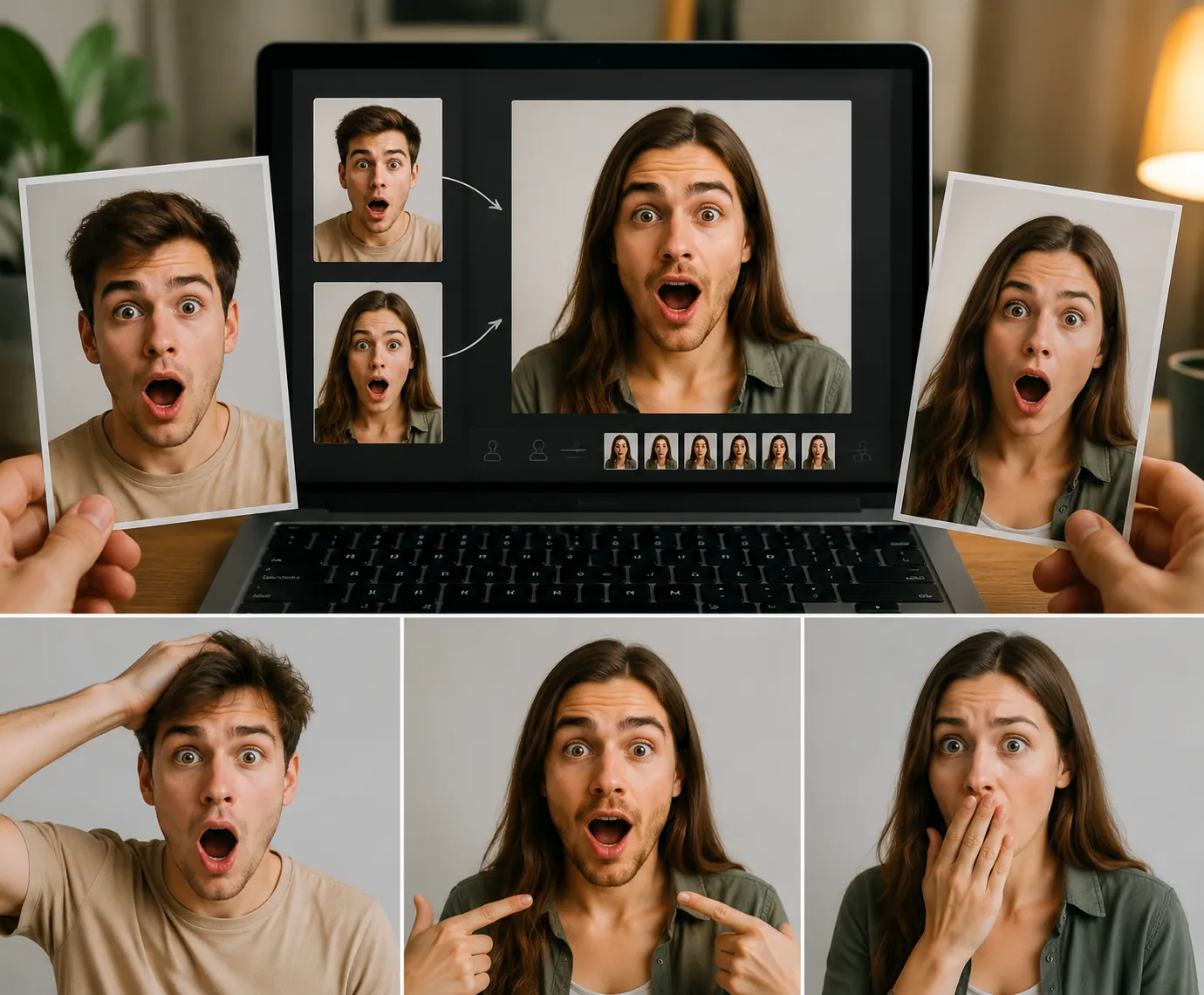
Best practices and common pitfalls
Most beginner face swap memes fail in predictable ways. Here's how to avoid each one.
Pitfall 1: The face is too small
If the meme template has a small face (under 200px wide), the swap will look pixelated and weird. Fix: pick templates with larger, more prominent faces, or upscale the template before swapping.
Pitfall 2: Expression doesn't match the meme
If your source photo has you grinning ear-to-ear and you're swapping into a serious Drake disapproval pose, the AI might preserve some of your smile and break the meme's emotional logic. Fix: use a neutral source photo and let the template's expression carry the joke.
Pitfall 3: Caption covers the face
Beginners often place captions across the middle of the image. This obscures the swap, which is the whole point of the meme. Fix: top and bottom only. Leave the face visible.
Pitfall 4: Wrong export format
Posting a low-resolution JPEG to Twitter? It'll compress into mush. Fix: PNG for static, MP4 (H.264, 720p+) for video, GIF only if the platform requires it.
Pitfall 5: Picking obscure templates
If your audience doesn't recognize the template, your face swap meme just looks like a weird photo. Fix: stick to top-50 templates until you build a feel for what's currently trending.
For a deeper breakdown of every face swap technique and tool comparison, the ultimate guide to AI face swap in 2026 covers it end-to-end.
Conclusion
Making a great face swap meme isn't about expensive software or technical skill. It's about template choice, a clean source photo, and proper captioning. The 30-second workflow works because each step is intentionally simple: pick a recognizable template, upload a front-facing selfie, generate the swap, add Impact-font captions, and export in the right format.
Your first face swap meme won't be perfect. Your tenth one will be great. Start with a Drake template, post it in a group chat, and see what happens. Once you're comfortable with static memes, level up to video face swap memes for TikTok and Reels. Same principles, bigger reach. Now go make something that makes someone laugh.
FAQ
What makes a face swap meme actually funny?
Recognition plus surprise. The template must be instantly recognizable, and the swapped face must create unexpected context: your boss as Disaster Girl, your friend as Hide the Pain Harold. Generic faces in obscure templates don't land.
Can I share face swap memes commercially?
Use caution. Memes of public figures or copyrighted characters can carry legal risk depending on your jurisdiction. Face swap consent laws vary, so check your region's rules and always get permission before swapping a private person's face for commercial use.
Where do I find face swap meme templates?
Know Your Meme, imgflip's template gallery, and Reddit's r/MemeTemplatesOfficial are the standard sources. Always grab the highest-resolution version available.
Why do some face swap memes look awful?
Usually it's source photo quality (blurry, sideways, bad lighting) or template choice (face too small, side profile, heavy shadows). Fix the inputs and the output improves dramatically.
Is there a face swap meme app with built-in templates?
Some apps include template libraries, but most creators prefer downloading templates from Know Your Meme and using a dedicated face swap tool for better quality control.