
Introduction
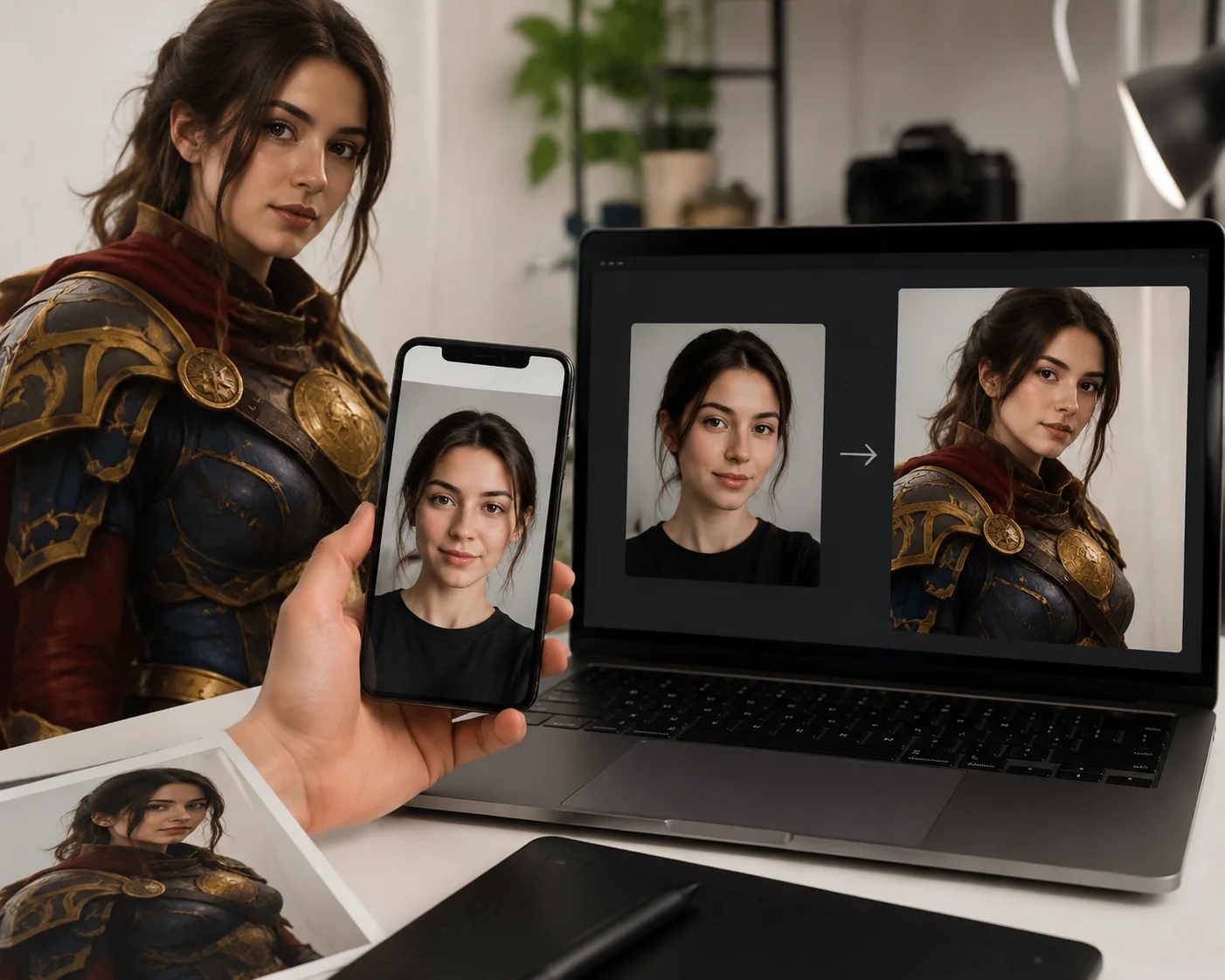
You nailed the wig, the costume, and every prop detail, but your face still reads as you, not the character. A cosplay face swap closes that last gap, compositing your features onto a moving anime or game character clip so the footage looks in-character, not just in-costume. If you searched for how to actually pull this off, you're in the right place.
This tutorial walks through the full workflow: prepping your source shots, picking the right target clip, aligning and stabilizing the swap across head turns, and blending cleanly into stylized art. For moving reveals, transformation reels, and convention walk-throughs, we'll use AI Video Face Swap Online, which tracks faces frame by frame and exports a 720p MP4.
By the end, you'll be able to take one face photo and a short clip and produce a believable transformation that holds up on TikTok, Instagram, or YouTube.
Key Takeaways
A convincing cosplay face swap is less about the swap button and more about prep: light your face to match the character's key light, capture a neutral expression, and keep your wig and hairline from covering the edges of your face.
For moving footage like reveal reels or convention walk-throughs, choose a clip with steady head movement, then prioritize alignment and stable tracking across head turns so the swap doesn't drift.
Blending into a stylized art style means correcting skin tone, cleaning edges around colored wigs, and deciding when to preserve anime-style eyes versus pushing realism.
If you're new to the basics, the AI face swap guide covers the fundamentals before you tackle a full cosplay transformation reel.
Main Concept Explained
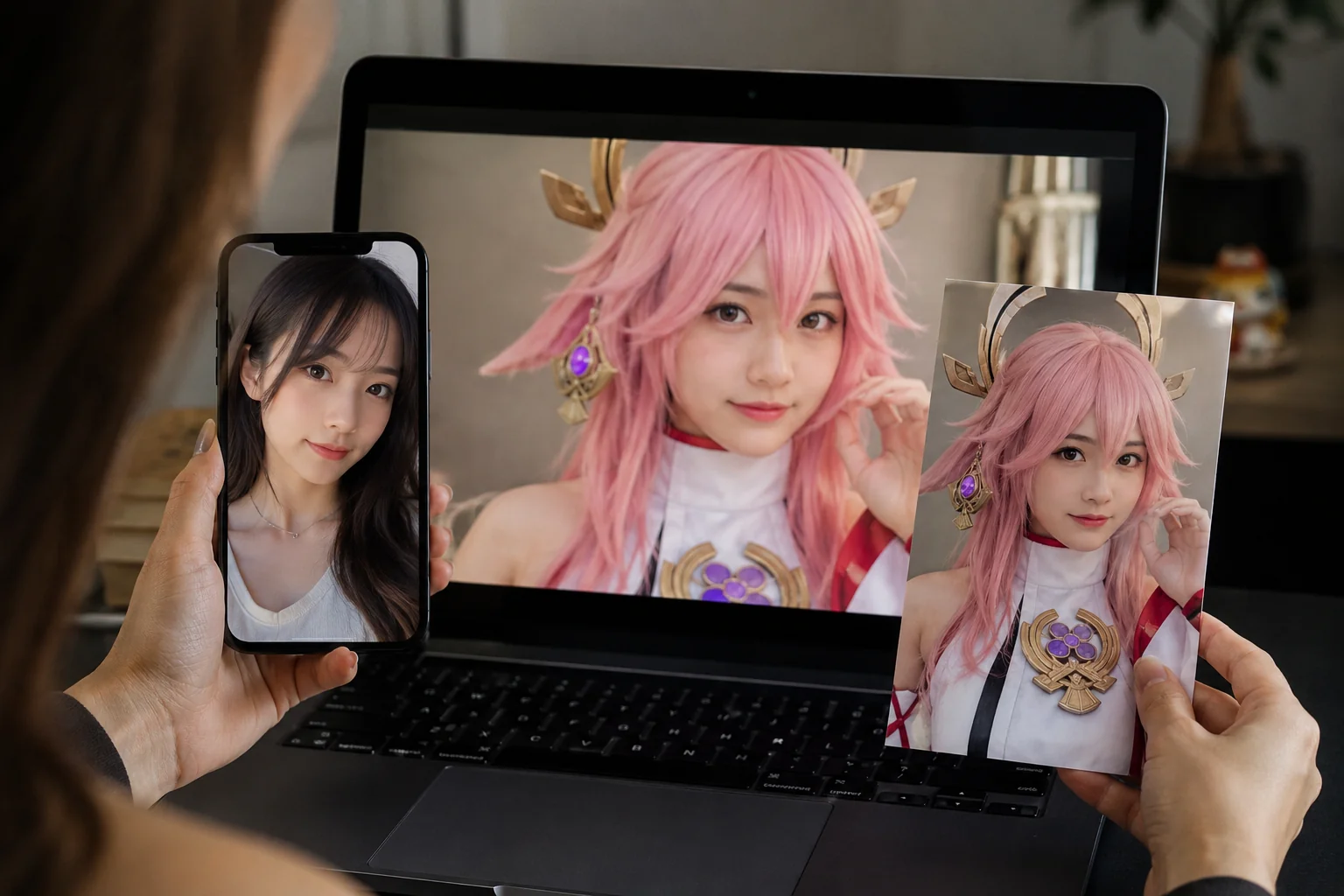
A normal selfie swap maps your face onto another real human face, so the proportions, skin texture, and lighting already share the same visual rules. A cosplay face swap breaks those rules: your target is a stylized 2D anime drawing or a 3D game render, where eyes are oversized, noses are minimal, and shading follows cel or specular logic instead of real photons.
That mismatch is the whole challenge. You are not asking the tool to find a matching face — you are asking it to anchor your real features onto a character whose face barely exists in photographic terms. The goal is a result that reads as in-character, not a photo pasted over a cartoon.
Concretely, the workflow has three layers. First, alignment: your eyes, nose, and mouth need to land where the character's features sit, even when those features are exaggerated. Second, expression and motion: across a head turn or a transformation reveal, the swap has to stay locked frame by frame instead of jittering. Third, blending: skin tone, edge cleanup around a colored wig, and a decision about how much of the character's stylized eyes you preserve versus your own.
For static cosplay portraits, a single-image swap is enough. But most cosplay reveals are video — a costume spin, a convention walk-through, a before-and-after transformation. Moving clips need frame-by-frame tracking and adaptive blending, which is exactly what an AI Video Face Swap Online tool handles when you upload your face photo and an MP4 or MOV target.
If you have done photo compositing for other themes — say a Wedding Face Swap: Create Magical Photos edit — the prep instincts carry over, but the stylized target demands tighter attention to lighting and edges. The next sections walk through capturing your source, choosing a clip, and locking the swap so it survives motion.
How to Apply It
Start by capturing a clean source shot of your face. Use soft, even lighting that mirrors the character's key light, hold a neutral expression, and pull your wig back so no strands cross your hairline. A clear jaw and forehead give the tracker more to lock onto.
Next, pick a target clip that suits a reveal. Transformation reels, costume turnarounds, and convention walk-throughs all work well because the camera lingers long enough for viewers to register the swap. Keep head turns gradual so the alignment stays stable frame to frame.
Then run the swap. Upload your face photo and the MP4 or MOV clip to cosplay face swap, which tracks faces across every frame and blends with adaptive edge handling. The tool outputs 720p MP4, so you keep enough detail for close-ups without bloating the file.
Once the swap renders, focus on blending into the art style. Nudge skin tone toward the character's palette, decide whether to preserve stylized anime eyes or lean realistic, and clean up edges where a brightly colored wig meets the face. These small corrections are what sell the illusion.
Finally, add motion polish. Match the clip's frame rate, layer in subtle in-character expressions, and trim the cut so the reveal lands on a beat in your audio. A swap that breathes and reacts reads as 'in-character' rather than a static mask pasted over a costume.
Before you publish, run a quick checklist: confirm consent from anyone whose footage you used, keep your watermark consistent, and export to the aspect ratio your platform favors, like 9:16 for short-form. If you want to see how the same compositing principles apply to a softer, photo-based project, the Wedding Face Swap: Create Magical Photos walkthrough covers lighting and blending in a different context.
The whole process is iterative. Test one short clip first, review how the swap holds during the fastest head turn, then re-shoot your source photo if the tracking drifts. Dialing in the source lighting early saves far more time than fixing artifacts later.
AI Video Face Swap Online
Upload a face photo and MP4 or MOV video to replace faces online with frame-by-frame tracking, adaptive blending, and 720p MP4 output.
Free to start • No credit card required • Professional quality

Common Pitfalls
The most common mistake is a hairline mismatch. When your source photo shows your natural hairline but the target wears a colored wig, the swap leaves a faint seam at the forehead. Capture your face with the wig already on, or crop tightly so the blend ends below the hairline.
Lighting direction trips up more reels than skin tone does. If your key light comes from the left but the character clip is lit from the right, the shadows fight each other and the face reads as pasted on. Match the angle before you shoot.
Watch for expression drift across head turns. A neutral source face often goes flat during fast motion, so the swap stabilizes but loses life. Pick a target clip with moderate movement for your first attempt.
Finally, do not over-smooth. Heavy beautify filters erase the texture that sells a believable cosplay face swap. For a gentler, photo-only practice run, try a Wedding Face Swap: Create Magical Photos workflow first.
Real-World Examples
Here is how the workflow plays out across the clip types cosplayers actually post. Each one stresses the swap differently, so the prep changes with the shot.
Transformation reels. A creator films themselves in plain clothes, then cuts to the costume. Running a cosplay face swap on the reveal half lets a Genshin or Jujutsu Kaisen face land on the moving shot while the in-costume framing stays untouched. Match the cut on a beat so the change reads as intentional.
Convention walk-throughs. Handheld footage with shifting backlight is the hardest case. Capture your source face under similar side lighting, keep the expression neutral, and the frame-by-frame tracking holds through crowd movement and head turns.
Static reveal photos. Single-frame portraits are the most forgiving and a good first test before committing to a full clip. The same skin-tone correction and edge cleanup that polish a portrait carry straight into video, much like the techniques in Wedding Face Swap: Create Magical Photos.
Start with a short five-second clip, confirm the blend, then scale up.
Conclusion
A convincing cosplay face swap comes down to preparation, not luck. When your source face is lit to match the character's key light, captured with a neutral expression, and kept clear of wig occlusion, the swap reads as in-character rather than pasted on. The rest is patient alignment, skin-tone correction, and stable tracking across head turns.
For a moving reveal reel, start with a short, well-framed clip and let frame-by-frame tracking and adaptive blending carry the transformation. Keep your edges clean around colored wigs, sync your expressions to the audio, and export at the aspect ratio your platform expects.
Ready to bring your character to life? Upload your face photo and target clip to iMideo's AI Video Face Swap and build your reveal. If you also shoot couples or event content, the same skills transfer to Wedding Face Swap: Create Magical Photos.
FAQ
Is face swap considered cheating in cosplay communities?
It depends on context. For costume contests judged on craft, swapping is generally off-limits. For social reels and transformation content, most communities accept it as a creative editing tool, provided you are upfront about how the clip was made.
Should I disclose face swap on cosplay social posts?
Yes. A short note in your caption or a tag like #editedwithAI keeps trust intact and avoids accusations of misleading viewers. Disclosure also protects you when fans ask how you matched the character's face so convincingly.
Which cosplay characters work best with face swap?
Characters with semi-realistic faces, clear front-facing angles, and minimal mask coverage convert best. Anime and game heroes with large eyes still work if you preserve their eye art rather than forcing photoreal detail over a stylized design.
Can I face swap into an existing cosplay photoshoot?
Yes. Treat finished photoshoot frames as your target and your lit selfie as the source. The same approach powers other event edits, like a Wedding Face Swap: Create Magical Photos workflow.
Does cosplay face swap need a high-resolution source photo?
A sharp, well-lit source helps a lot. Aim for a clear frontal shot with even key light and no wig or hairline occlusion. Higher resolution gives the blending step more detail to match against the target's edges.