
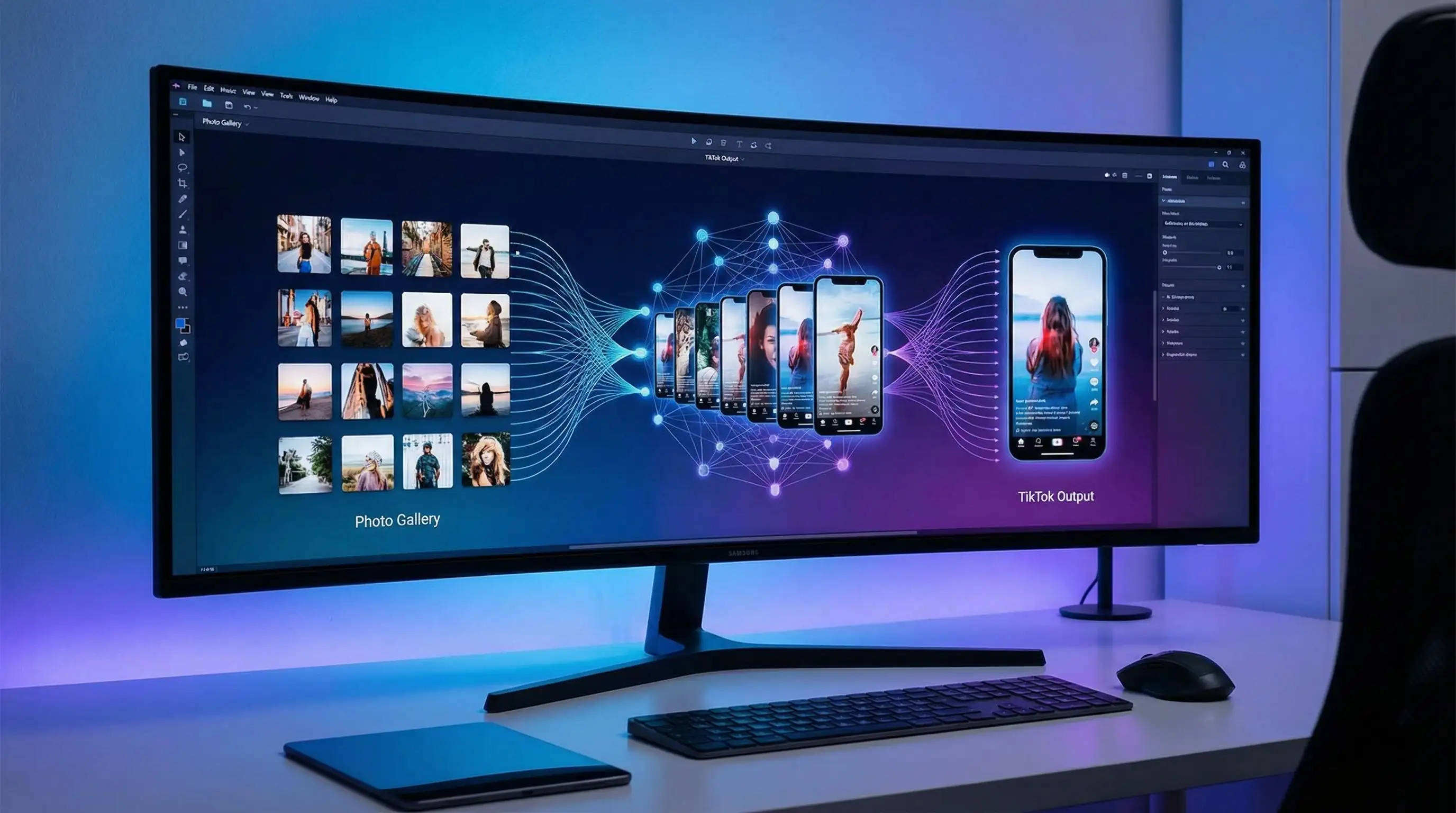
Turn photos into TikTok videos with AI: the 2026 workflow
You can turn photos into TikTok videos without opening a complex editor. The best workflow is simple: choose one strong image, decide the motion, generate a short vertical clip, add sound or captions, then publish with a hook that matches the first second of the video.
This updated guide keeps the original photo-to-video goal but removes the generic 2025 advice. It focuses on what works now for TikTok: vertical framing, fast motion, clear subject identity, native-looking captions, and prompts that tell the AI exactly how the photo should move.
- Best format: 9:16 vertical, usually 5 to 8 seconds for a single-photo clip.
- Best input: one sharp photo with the subject centered and enough background around the edges.
- Best prompt: describe motion, camera, mood, and what must stay unchanged.
- Best polish: add captions with auto subtitles and use a trend-relevant sound.
Choose a photo that can survive motion
Not every photo is a good AI video source. The model needs enough visual information to infer motion. A cropped selfie, blurry product shot, or image with heavy text gives the AI less room to create a clean TikTok clip.
Use photos with a clear subject, visible edges, and simple lighting. For people, avoid extreme angles and hidden hands. For products, make sure the logo or key feature is large enough to remain stable. For travel and lifestyle photos, leave background space so the camera can push in or pan without inventing strange edges.
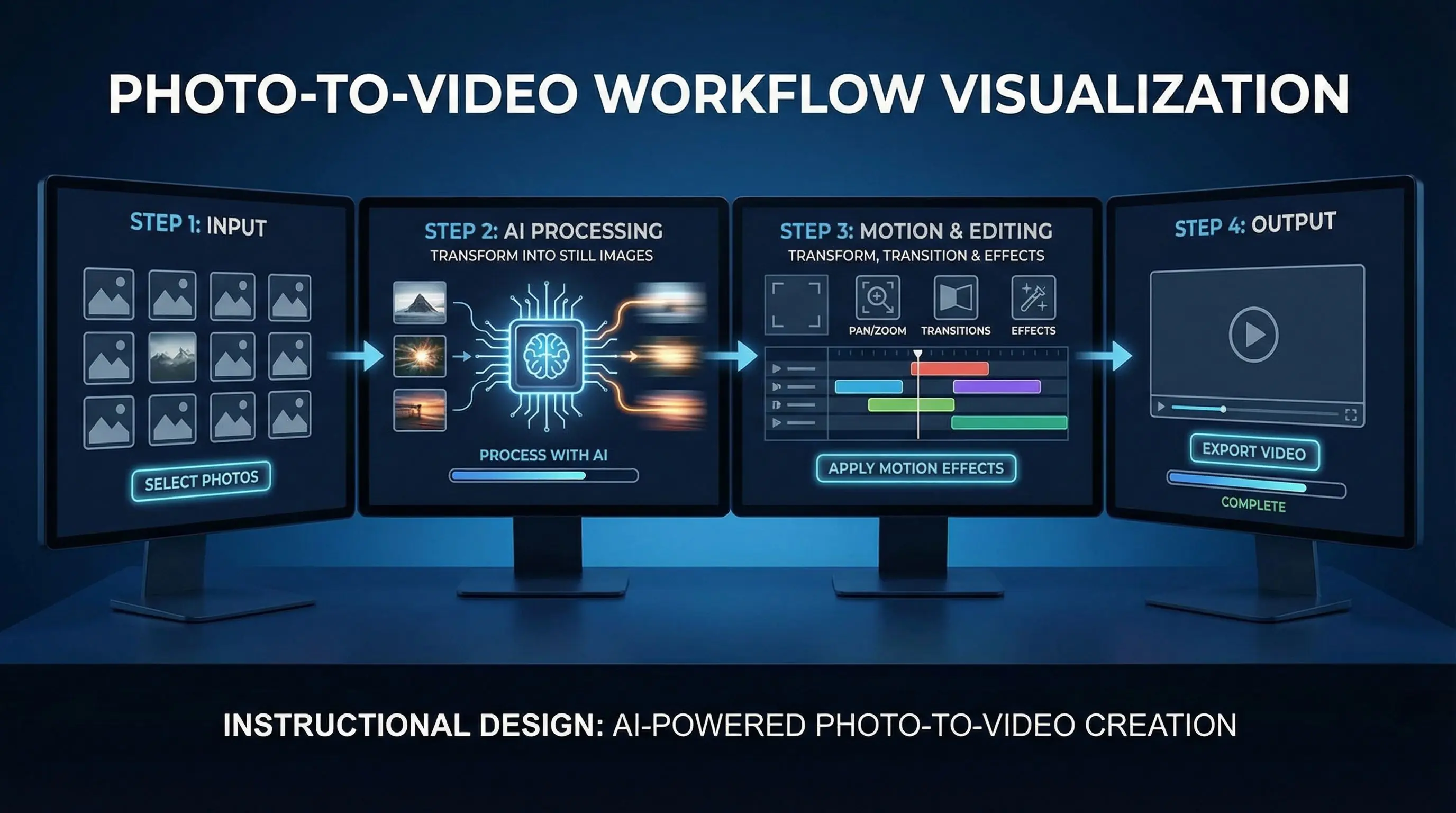
Write prompts for motion, not for the photo itself
The image already tells the model what the subject looks like. Your prompt should explain what changes over time. A good TikTok prompt includes one camera move, one subject action, and one style direction.
Try this structure:
- Camera: slow push-in, handheld phone shot, orbit, zoom out, or gentle pan.
- Subject motion: smiling, hair moving, product rotating, lights flickering, fabric waving.
- Scene energy: UGC, cinematic, fashion reel, travel vlog, product ad, meme edit.
- Format: vertical 9:16, short TikTok clip, no text overlays.
- Protection: keep face natural, keep product logo unchanged, avoid extra fingers.
Example prompt: Vertical 9:16 TikTok video from this photo. Slow handheld push-in, subtle smile, hair moving in a light breeze, bright natural light, UGC style, keep the face realistic, no text overlays.
Three workflows for different TikTok ideas
1. Creator selfie to hook video
Use a clear portrait and ask for a subtle push-in, eye contact, and natural expression. Add a caption such as "I tested this AI tool so you do not have to." This works for tutorials, product reviews, and before-after posts.
2. Product photo to mini ad
Use image-to-video generation to animate a product shot. Ask for slow rotation, reflections, steam, condensation, fabric movement, or a simple hand entering frame. Keep the product centered and avoid changing the label.
3. Travel or lifestyle photo to mood clip
Use a landscape, food, car, room, or outfit image and ask for environmental motion: moving clouds, blinking street lights, rippling water, camera pan, or soft film grain. Add trending audio after generation instead of asking the model to solve everything at once.
Best tools for turning photos into TikTok videos
Use VEO 3 or a premium image-to-video model when realism matters. Use template-style AI video effects when speed matters. Use video-to-video AI when you already have a short clip and want to restyle it.
For a practical iMideo workflow, start with Image to Video, polish the result with Auto Subtitle Generator, and use AI sound effects if the clip needs extra atmosphere before posting.
TikTok editing checklist before you publish
- First frame: make sure the subject is clear without waiting for motion.
- Caption: use one short hook, not a full paragraph.
- Duration: keep single-photo clips short unless the story has multiple beats.
- Sound: add audio in TikTok or your editor so it matches current trends.
- Loop: trim the end so the clip can replay smoothly.
- Disclosure: label AI edits when the content could be mistaken for real footage.
Prompt examples you can reuse
Fashion reel
Vertical TikTok fashion video from this outfit photo. Slow mirror-style camera push-in, fabric moves naturally, confident pose, soft studio lighting, keep face and clothing accurate, no text.
Food clip
Vertical close-up food video. Steam rises gently, camera slowly pushes in, warm restaurant lighting, shallow depth of field, realistic texture, no added hands, no text.
Product ad
Vertical product ad from this image. Product rotates slightly on a clean surface, soft reflections, premium lighting, keep logo unchanged, no extra objects, no text overlay.
Travel post
Vertical travel video from this photo. Slow cinematic pan, clouds moving, sunlight changing slightly, realistic motion, preserve buildings and people, no text.
Storyboard examples for photo-to-TikTok clips
One-photo hook
Use one portrait or product image. Generate a slow push-in. Add a caption that creates curiosity, such as "This photo became a video in 12 seconds" or "I tried the easiest AI video workflow." This format is simple but effective because viewers understand the transformation immediately.
Three-photo mini story
Use three related photos: setup, transformation, result. Generate a short motion clip for each, then cut them together in TikTok or CapCut. This works better than asking one AI generation to show a long story from a single image.
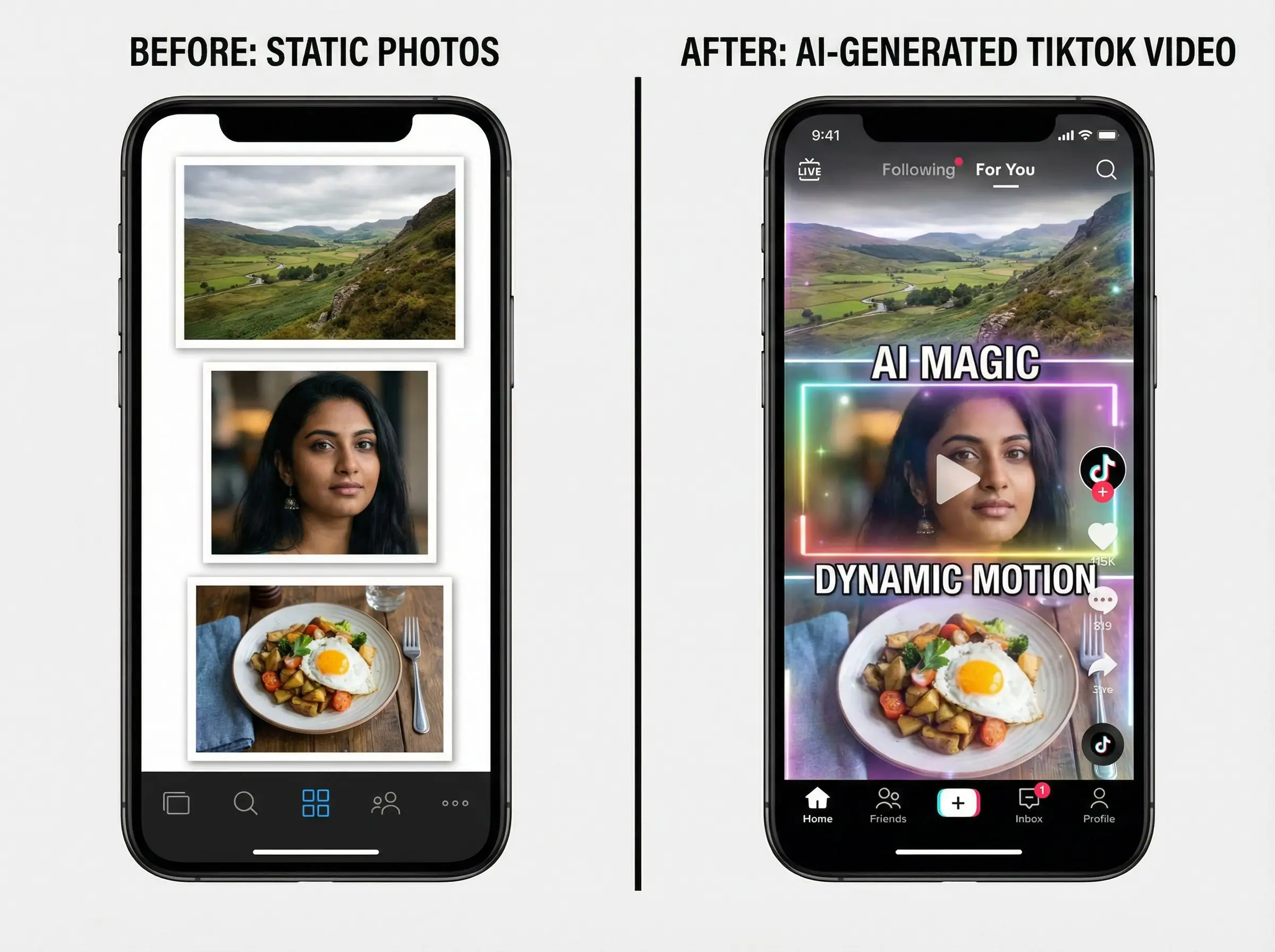
Before-after product demo
Start with a static product photo, then use AI motion to add steam, reflections, rotation, or hand movement. End with a clean still frame so viewers can recognize the product before the loop restarts.
Common mistakes that make AI TikTok videos look fake
- Too much motion: fast camera moves can distort faces, hands, and products.
- Text inside the generation: AI-rendered text often flickers or misspells. Add text after generation.
- Wrong aspect ratio: generating widescreen first and cropping later can cut off the subject.
- Overloaded prompts: ask for one action at a time, not dancing, zooming, sparks, captions, and product rotation together.
- No loop plan: TikTok clips perform better when the final frame can flow back into the first frame.
How to measure if your AI TikTok clip worked
Do not judge only by views. Track the first-second hold rate, average watch time, loop rate, saves, comments, and profile clicks. If people swipe away early, improve the first frame and caption. If they watch but do not click, improve the offer or call to action. If the clip gets comments about looking fake, reduce motion and use a cleaner source image.
For repeatable content, keep a prompt library. Save the source photo, prompt, model, duration, caption, sound, and performance notes. After ten posts, you will know which camera moves and hooks work for your audience.
Frequently asked questions
Can AI turn one photo into a TikTok video?
Yes. One clear photo is enough for a short clip if the prompt asks for simple motion. Complex action works better with multiple references or a source video.
What length should a photo-to-video TikTok be?
For a single image, 5 to 8 seconds is usually enough. Longer clips need multiple shots or a stronger story.
Why does my AI video distort the face or product?
The source image may be cropped, blurry, or the prompt may request too much motion. Use a sharper image and reduce the action.
Should I add captions before or after AI generation?
Add captions after generation. Asking the video model to render text often creates misspellings or unstable letters.