
Introduction
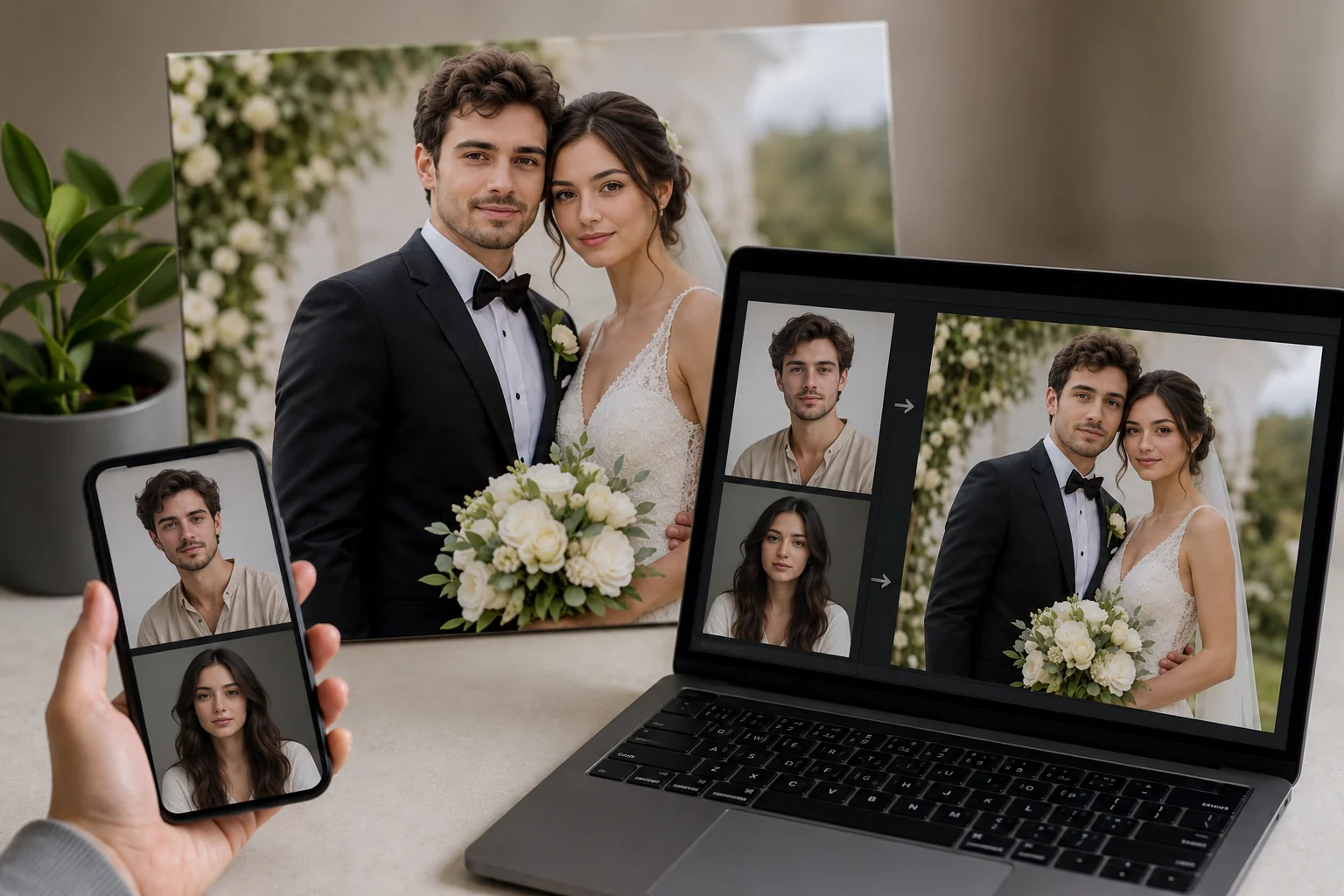
Searching for a couple face swap usually turns up the same handful of one-tap filters and disposable apps. This guide goes further: it hands you 50 concrete scenarios plus a repeatable workflow for producing polished, shareable couple photos as a team.
You will learn how to pick a concept, prep two clean source faces, handle both partners in a single frame, and fix the alignment and skin-tone problems that trip up two-person swaps.
From there, we show how to turn your best static result into a short animated clip and how to batch a full content set from one quick photo session. Whether you want a movie poster, a historical portrait, or an anniversary re-creation, you will leave with steps you can actually follow tonight.
Key Takeaways
A great couple face swap comes from planning, not luck. Pick a scenario first, because the concept decides what source photos you actually need.
Two faces in one frame is the tricky part. Match lighting, angles, and expressions between partners, then fix skin-tone and alignment gaps before you commit to the shot.
Once you have a winning still, animate it into a short clip for reels, reactions, or reveal moments. Batch a few variations from one photo session so you leave with a full content set instead of a single image.
Newer to swapping in general? Start with our AI face swap guide, or try a themed spin like Cosplay Face Swap: Become Your Favorite Character.
Main Concept Explained
A couple face swap puts two partners into a single staged scene at the same time. Instead of editing one person into a template, you place both faces into a shared frame — a movie poster, a vintage portrait, a wedding re-creation. The concept you choose decides everything downstream, from the source photos you shoot to the angle each partner needs to face.
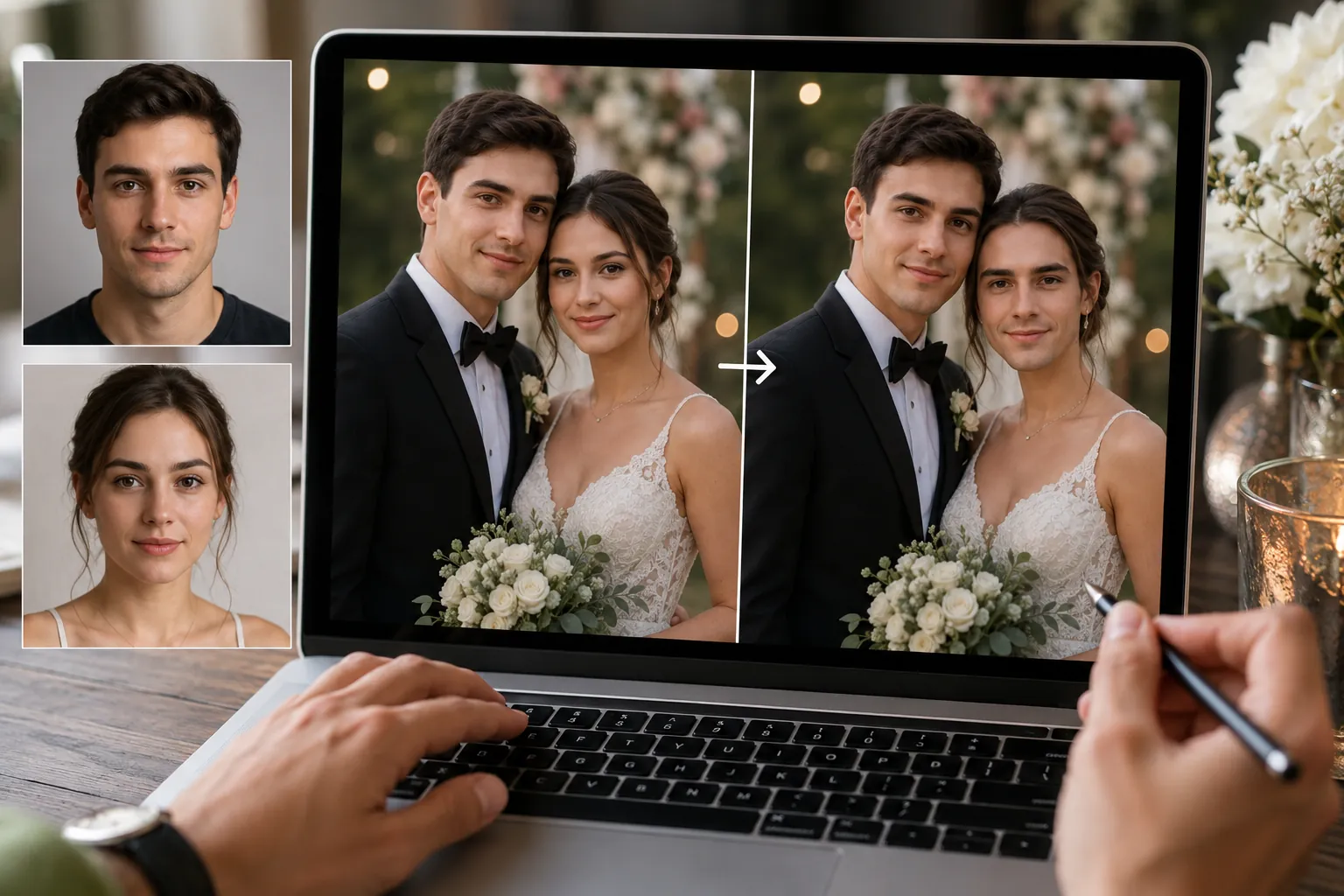
This is why two faces are harder than one. A solo swap only has to match a single set of lighting and angles. With a couple, both faces have to sit in the same light, share a consistent color temperature, and line up with the head positions already in the target image. If one partner is lit warm and the other cool, the composite reads as fake instantly.
Working concretely, the job breaks into three questions. What scene are you recreating? Which two source photos best match that scene's angles and expressions? And how will you correct the small mismatches — skin tone, edge blending, tilt — that always appear when two people land in one frame? Answering those before you swap saves a lot of retries.
It also helps to think about the finished form early. A static swap is great for a printed card or a framed gift, but a short animated version travels further on social feeds. Planning for both lets you capture the right source material once and reuse it, rather than reshooting when you decide you want motion.
The same planning logic applies to single-person creative swaps too. If you want to practice angle and lighting matching before tackling two faces, a solo project like a Cosplay Face Swap: Become Your Favorite Character is a low-stakes way to learn the workflow. Once matching feels natural, adding a second partner becomes far more predictable.
How to Apply It
Once you have a scenario in mind, the workflow stays the same whether you are recreating a movie poster or an old anniversary photo. Work through it in order and each swap gets easier.
Start by locking the concept before you touch any photos. A historical portrait needs formal, front-facing source faces, while a 'what our kid would look like' render wants two relaxed, neutral expressions. The idea decides which faces you shoot, not the other way around.
Next, capture two clean source faces. Aim for even lighting, a straight-on angle, and matching expressions between both partners so one face does not read as posed while the other looks candid. Higher resolution gives the model more detail to blend, especially around hairlines and jaws.
Now run the swap itself. With two faces in a single frame, the common failures are mismatched skin tone and slight angle drift between partners. Fix tone by nudging one source photo warmer or cooler before swapping, and re-shoot or crop when a head tilt breaks the alignment.
When one still image clearly wins, bring it to life. Upload that photo and a short clip to couple face swap and the tool swaps the full head frame by frame, matching motion and lighting so the result reads as a moving reaction rather than a pasted cutout.
Finally, batch your variations. From a single ten-minute session you can build five to ten looks by reusing the same source faces across different scenarios. Keep a plain, well-lit pair of shots as your base, then apply them to costume, era, and poster concepts one after another.
If you want to push a specific look further, the same prep habits carry over to character work. The techniques in Cosplay Face Swap: Become Your Favorite Character translate directly to couples who want a themed set instead of a single portrait.
Save each result at full resolution before you compress anything. That way one clean file can serve a social post today and a framed print later without redoing the whole process.
Video Head Swap AI
Create an AI head swap video online. Upload a face photo and a video clip, then swap the full head frame by frame with automatic motion and lighting match.
Free to start • No credit card required • Professional quality

Common Pitfalls
The fastest way to ruin a two-person swap is mismatched lighting. If one partner's photo was shot in warm indoor light and the other in cool daylight, the composite looks stitched together. Try to source both faces from the same lighting conditions, or nudge white balance so they agree.
Angle drift is the next culprit. When one head tilts up and the other looks straight ahead, no amount of blending fixes the mismatch. Keep both source faces within a similar head rotation, ideally near front-facing, before you swap.
Skin-tone banding shows up around the jaw and hairline. Feather the mask edges and lower opacity slightly at the borders rather than forcing a hard cut. Watch for over-smoothed skin, which strips the texture that makes faces read as real.
Finally, resist cramming both partners into one crowded frame at low resolution. If a single portrait keeps failing, split the concept into cleaner shots. For character-driven ideas that dodge these issues, the Cosplay Face Swap: Become Your Favorite Character guide walks through similar prep, and a clean couple face swap starts with source photos that already match.
Real-World Examples
Seeing the workflow in action makes it easier to copy. Here are four setups couples actually use, each built from the same two source faces captured in one short session.
The movie poster. Maya and Chen picked a classic action-thriller layout, swapped their faces onto the leads, then matched the poster's cool blue grade so their skin tones didn't clash with the background. One evening, one print for the hallway.
The anniversary re-creation. A couple rebuilt their wedding portrait ten years later using clean front-facing shots, keeping expressions relaxed to match the original's soft smiles. Aligned angles did most of the work here.
The 'what our kid would look like' render. This one lives or dies on resolution, so both partners shot in daylight near a window before blending features.
The reaction reel. After nailing a static costume-style swap, they animated the winning frame into a short clip for stories. If you enjoy that dress-up energy, the Cosplay Face Swap: Become Your Favorite Character guide pairs well with any couple face swap project.
Conclusion
A couple face swap works best when you treat it as a small workflow rather than a single tap. Pick a scenario, prep two clean source faces, match the angles, then fix skin tone and alignment before you commit to a final frame.
For a repeatable result, run one photo session and build five to ten variations from it. That gives both partners a content set instead of one lonely selfie, and it makes batch editing far quicker.
Once you land a static shot you both like, bring it to life with Video Head Swap AI. Upload the winning face photo and a short clip, and it swaps the head frame by frame with motion and lighting handled for you — ideal for reels, reactions, and reveal moments.
Want to keep experimenting with the same technique? Try a themed take like Cosplay Face Swap: Become Your Favorite Character and turn your next couple face swap into a shared project.
FAQ
Is couple face swap a good Valentine surprise?
Yes. A face swap that drops both of you into a favorite film scene or a re-created first-date photo feels personal without much effort. Print it as a card or send a short clip on the morning of the 14th for an easy, memorable reveal.
How do I face swap us into a movie poster?
Find a high-resolution poster with two clearly lit faces at similar angles. Match each partner's pose and expression to the character they'll replace, then swap one face at a time so skin tones and lighting stay consistent across both.
Do couple face swaps need matching photo angles?
They work best when both source faces roughly match the target angles. You don't need identical shots, but wildly different tilts or lighting between partners cause warping and mismatched shadows. Front-facing, evenly lit photos give the cleanest, most believable result.
Can I print a couple face swap for framing?
Absolutely. Start from the highest-resolution source photos you have and export at full quality with minimal compression. For framed prints or canvas, aim for 300 DPI at your target size so faces stay sharp instead of soft or pixelated.
What couple face swap looks sweet vs creepy?
Sweet swaps keep expressions relaxed and lighting natural, like a vintage portrait or a shared adventure scene. Creepy ones usually come from mismatched skin tones, forced smiles, or blending two faces into one. Keep each partner distinct and the mood playful. For solo character ideas, try our Cosplay Face Swap: Become Your Favorite Character guide.