
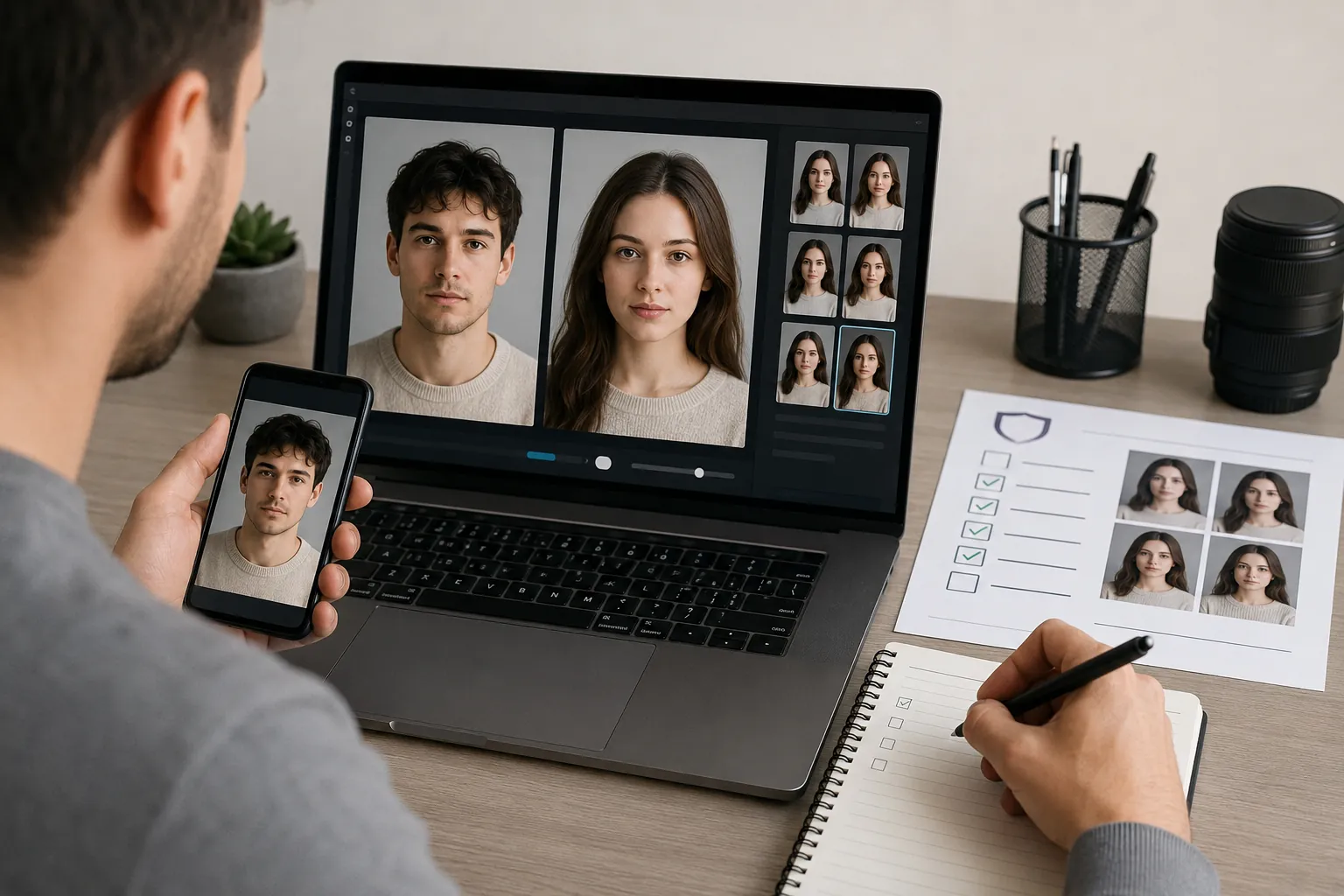
Introduction
If you searched for an offline face swap app, you already know what you want: swap a face without your photos or clips leaving your phone. This guide answers that directly, and shows where on-device processing genuinely helps and where it quietly falls short.
Instead of ranking apps by star rating, we compare two paths — local and online — on the axes that actually decide privacy: where the image is processed, what gets retained, and what you trade in speed and quality.
You'll get a five-axis framework, a side-by-side scorecard, and a way to spot ‘fake offline’ tools that still call home for the real work. We'll also cover when an online option like AI Video Face Swap Online makes sense for non-sensitive, higher-quality video. By the end, you can match a path to your own threat model rather than a generic winner.
Key Takeaways
Where your photo is processed matters more than any star rating. An offline face swap app keeps source faces on your device, so nothing is uploaded and nothing is retained, but you trade away model quality, long-clip support, and speed on warm hardware.
Cloud tools reverse that bargain: sharper identity blending and longer video, at the cost of files that transit a server and may be briefly stored. Match the path to your threat model, not to hype.
For a broader primer, see our AI face swap guide, and before installing anything, read Is Face Swap App Safe? 2026 Privacy Audit.
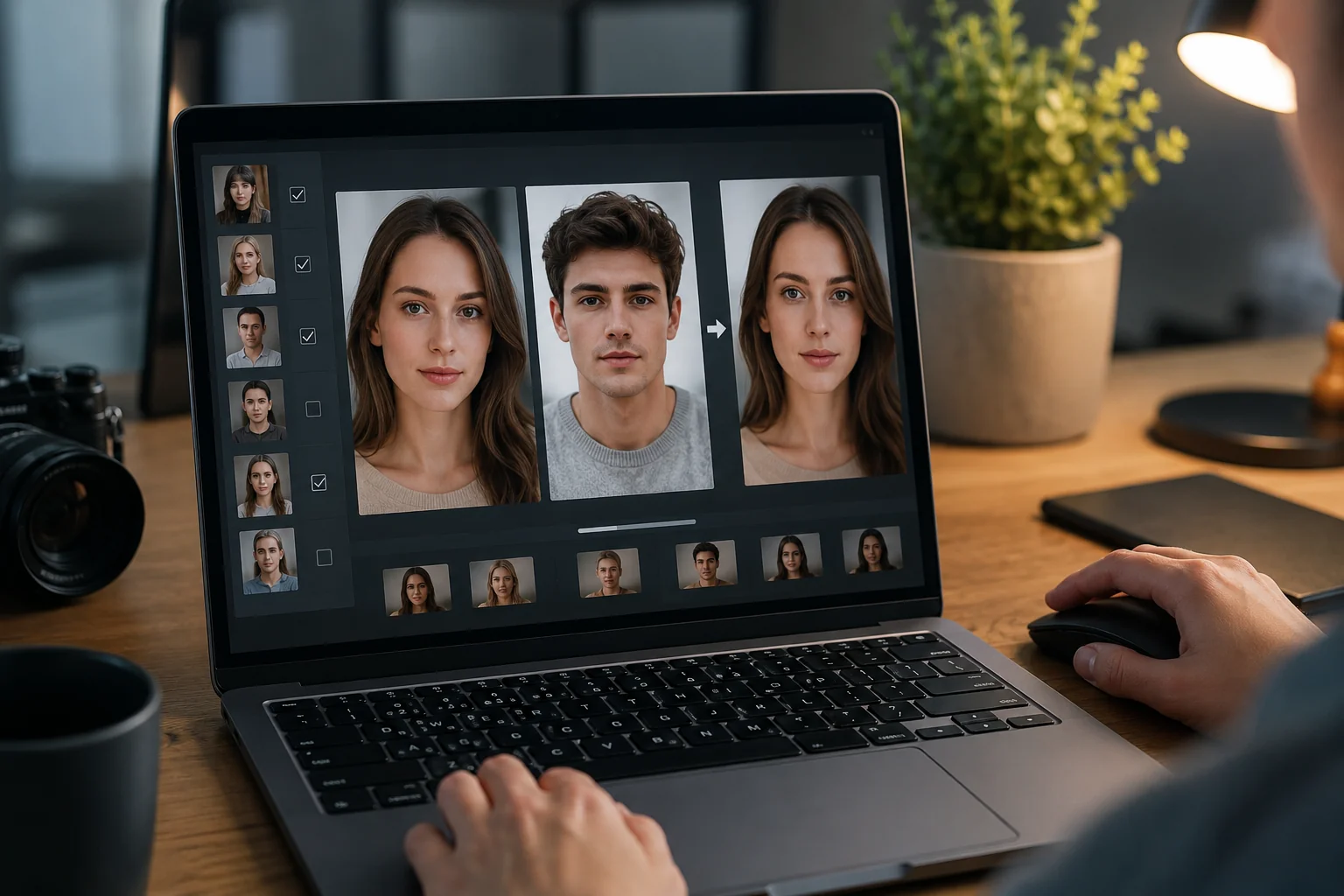
Main Concept Explained
An offline face swap app does the actual swap on your phone or laptop, using models stored locally. Your source photo and target clip never leave the device, so there is no upload, no server queue, and no copy sitting in someone else's storage. This is the core promise: processing location is the thing that decides privacy, not a marketing badge.
That framing matters because most people search for "offline" when they really mean "private." The two overlap but are not identical. A tool can run without a network and still write recoverable data locally, while a cloud tool can delete files quickly yet still transmit them first. Knowing where the swap happens tells you what you are actually trading away.
On-device processing wins on control. Nothing transits the internet, so a leaked bucket or a vague retention policy cannot expose your face. The tradeoff is horsepower: phone chips run smaller models, throttle when they heat up, and struggle with long or high-resolution video. You get privacy and portability, but softer identity blending and shorter clips.
Cloud processing flips the equation. Server-grade hardware handles longer footage, batch jobs, and stronger frame-to-frame tracking, which is why online tools like offline face swap app alternatives produce cleaner results on real video. The cost is that your files travel and may sit in temporary storage during the job, even if only briefly.
Neither path is automatically "safe" or "unsafe." The right choice depends on what you are swapping and who you are worried about. If you want to understand what platforms actually keep, our Is Face Swap App Safe? 2026 Privacy Audit breaks down retention behavior in plain terms. The sections below score both paths against five concrete axes so you can match a tool to your own risk, not a generic star rating.
How to Apply It
Start by naming your threat model in one sentence: what would actually go wrong if this face left your device? A wedding portrait of a family member carries different risk than a screenshot of a public meme. That single answer tells you which path to default to before you compare any features.
Next, run the five-axis check on whatever tool you're eyeing. Ask where the swap is computed, what the app retains after processing, how good the identity blend is, how fast a clip renders, and whether long or offline video is even supported. If a tool can't answer the first two questions in plain language, treat that silence as a red flag.
Then test for the 'fake offline' trap directly. Put your phone in airplane mode, disable Wi-Fi, and try a real swap. A genuine local app finishes the job; a tool that only feels offline will stall, spin, or quietly fail because it still needed to call home for the actual model.
For sensitive source faces, keep the whole pipeline on-device and accept the tradeoffs: shorter clips, more heat, and softer blending on tricky angles. This is the right default for anything you would not want sitting on someone else's server, even temporarily.
When the footage is non-sensitive and quality matters more, consciously step up to a stronger online workflow. A hosted offline face swap app alternative like this one handles longer video, frame-by-frame tracking, and cleaner blends that most on-device engines can't match yet. Just decide that tradeoff on purpose rather than by accident.
Finally, match yourself to a profile. A privacy-maximalist stays local for everything and never uploads a source face. A casual meme-maker can use either path, since the inputs are already public. A video creator usually lives online for the quality, reserving on-device work for the rare clip that must never leave the phone.
Before you commit to any single tool, it's worth skimming a structured breakdown of how these apps handle your data. Our Is Face Swap App Safe? 2026 Privacy Audit walks through the retention and permission details that decide whether a given path really fits your threat model.
AI Video Face Swap Online
Upload a face photo and MP4 or MOV video to replace faces online with frame-by-frame tracking, adaptive blending, and 720p MP4 output.
Free to start • No credit card required • Professional quality

Common Pitfalls
The most common mistake is trusting an app that feels local but still routes the actual swap through a server. Airplane-mode it before your first render: if the swap fails without a connection, it was never truly offline.
Another trap is ignoring retention windows. Some tools delete uploads in 24 hours; others keep frames to 'improve models.' Read the policy, not the marketing badge, and check our Is Face Swap App Safe? 2026 Privacy Audit before you commit a sensitive face.
People also overrun a phone's limits. A genuine offline face swap app throttles under heat and struggles past short clips, so don't expect batch or long-video output on-device.
Finally, don't force one path onto every job. Keep private source faces local, and reserve an offline face swap app alternative online only for non-sensitive, higher-quality video work where speed and blending matter more than secrecy.
Real-World Examples
Consider a journalist traveling with source photos she can't risk uploading. She keeps every sensitive face on her phone and runs a genuinely local tool, accepting shorter clips and softer blending as the price of never letting an image leave the device. For her, an offline face swap app isn't a preference; it's a working constraint.
Now take a meme-maker prepping reaction clips for a group chat. The source faces are public and low-stakes, so a few seconds of upload time barely registers. He picks whatever produces the cleanest result and moves on, because privacy simply isn't the deciding axis here.
Finally, a small-studio editor needs a two-minute promo with steady identity tracking across scene cuts. On-device models stall and overheat, so he consciously moves that job to offline face swap app alternatives online, using non-sensitive footage. Before committing, he checks a resource like Is Face Swap App Safe? 2026 Privacy Audit to confirm retention terms match his comfort level.
Conclusion
Neither path wins outright, because they fail in different places. An offline face swap app gives you the one guarantee no cloud service can match: the source photo never leaves the handset. You pay for that with smaller models, thermal throttling on long renders, and clips measured in seconds rather than minutes.
The practical move is to sort by material, not by app. Faces you would never post publicly — children, colleagues, ID photos, anything tied to a real identity you control — stay local, even at lower fidelity. Footage that is already public, licensed, or throwaway can go to a server, provided you have read the retention window rather than assumed it.
When the clip is non-sensitive and you want frame-by-frame tracking, adaptive blending, and clean 720p MP4 output, run it through AI Video Face Swap. Before you upload anything at all, work through Is Face Swap App Safe? 2026 Privacy Audit and check the tool against your own threat model.
FAQ
Are offline face swap apps really better for privacy?
Usually, yes. When the swap runs entirely on your device, your source face never leaves it, so there is no upload to intercept or retention to worry about. Verify the claim first, though, using guides like our Is Face Swap App Safe? 2026 Privacy Audit.
What is the trade-off of using an offline face swap app?
You trade quality and scale for control. On-device models are smaller, so identity blending is weaker, clips stay short, and your phone heats up and slows down. Long or high-resolution video generally needs the extra compute only a cloud tool can provide.
Do offline face swap apps work on iPad and older devices?
Sometimes. Recent iPads with a neural engine handle short swaps fine, but older phones and tablets often stutter, cap resolution, or reject video entirely. Check the app's minimum chip and memory requirements before assuming a local swap will run smoothly.
Can offline face swap apps render face swap video at full quality?
Rarely at the level a cloud pipeline reaches. Thermal limits and lighter models mean shorter clips, more visible seams, and lower output resolution. For polished, longer video you will usually want an online tool built for frame-by-frame tracking and higher-resolution export.
How do I verify a face swap app is really offline?
Test it in airplane mode with Wi-Fi and cellular off. If the swap still completes, processing is genuinely local. If it stalls or errors, the app is calling a server. Also review its network permissions and privacy policy before trusting it.