
Introduction
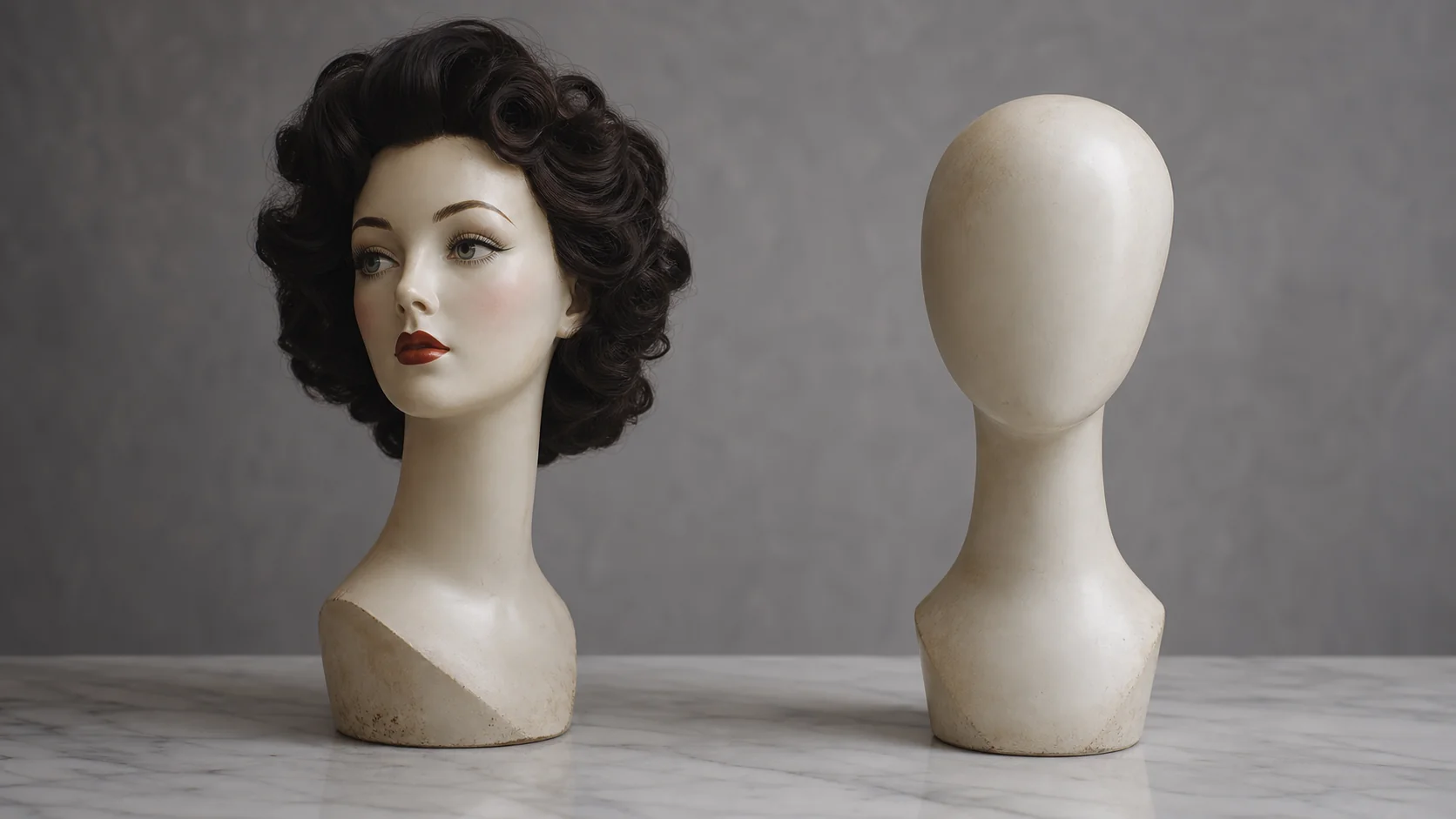
You've seen the viral clips: your friend's face on a movie star, a cosplay reveal where someone becomes their favorite anime character. But when you actually try to recreate these, you hit a wall. Should you use face swap or head swap? They sound similar, yet they produce wildly different results. A head swap photo replaces the entire head including hair, ears, and jawline, while face swap only changes the inner facial features (eyes, nose, mouth).
That one distinction changes everything. Which tool you pick, how good your source image needs to be, whether the final result actually fools anyone. In this comparison, you'll see 7 concrete differences between these techniques, a side-by-side decision table, and clear scenarios for when each one wins. By the end, you'll know which approach fits your project. Try the AI Head Swap Online tool if you want to test the difference yourself right now.
Quick comparison table
Here's the 10-second overview before we dig in. A head swap photo workflow shifts more pixels but handles mismatched hairstyles gracefully. Face swap is faster but demands matching head shapes.
| Factor | Face Swap | Head Swap |
|---|---|---|
| What's replaced | Eyes, nose, mouth only | Entire head + hair |
| Hair handling | Keeps target's hair | Brings source's hair |
| Source quality needed | Medium (frontal face) | High (clean edges) |
| Best for | Family photos, memes | Cosplay, fashion swaps |
| Failure points | Skin tone mismatch | Neck seam visibility |
| Processing time | 5–15 seconds | 15–40 seconds |
| Video support | Widely available | Newer, fewer tools |
Face swap: overview
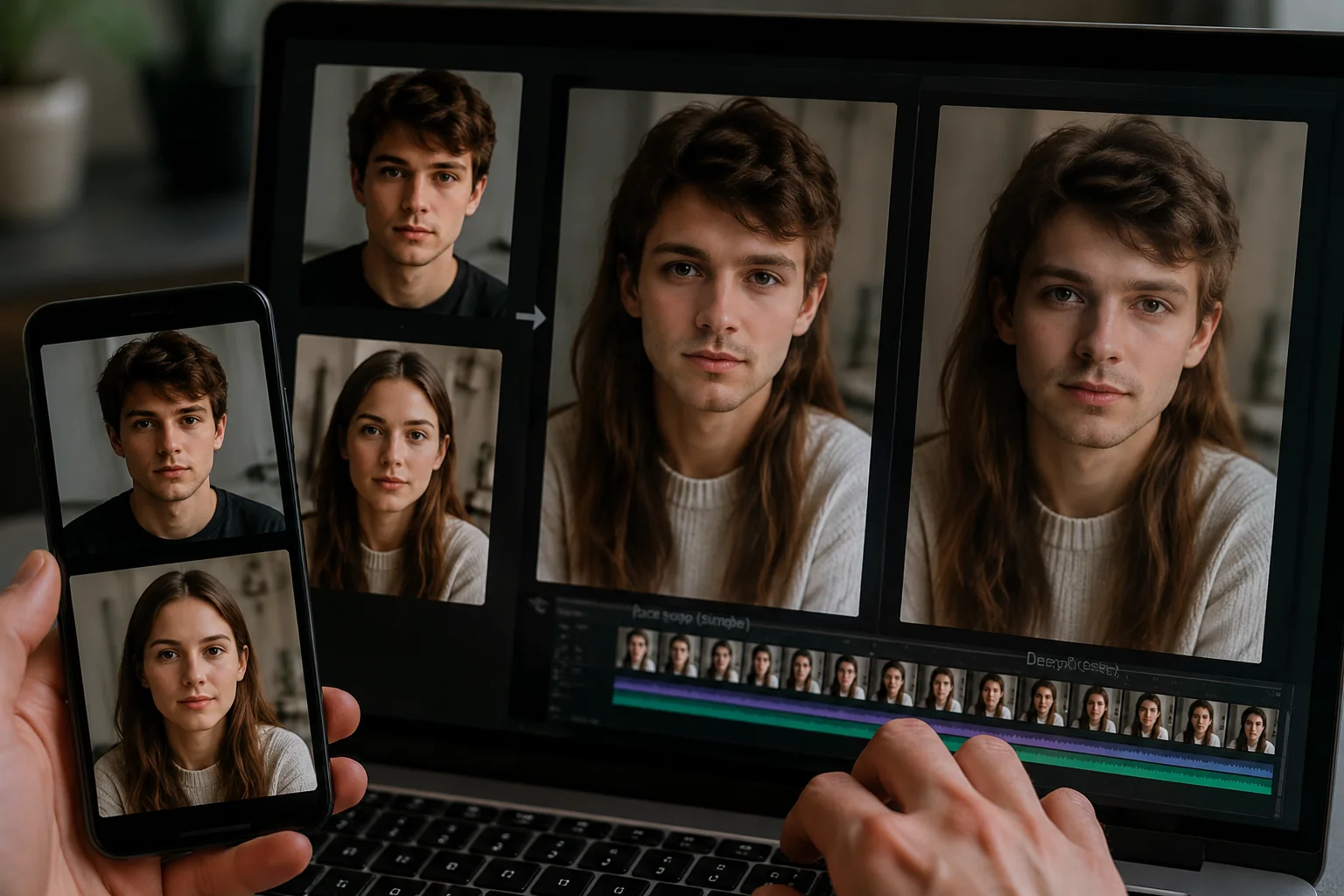
Face swap is the older, more refined technique. The AI detects facial landmarks (typically 68 to 128 reference points across your eyes, nose, mouth, and chin), then warps and blends the source face onto the target's existing head. The target's hairstyle, ears, head shape, and neckline all stay put. Only the inner face mask gets replaced.
How it works (without the jargon)
The model aligns key points on both faces, then color-matches skin tone, lighting direction, and shadows. Because it only touches a small region, modern face swap can run in real time on mobile. That's why TikTok filters and the iMideo iOS app can do it instantly.
Strengths
- Fast and forgiving: works with imperfect source photos as long as the face is visible
- Preserves context: the target's hair and outfit stay intact, so the scene still makes sense
- Widely supported: virtually every face-editing app offers it, including video versions
- Lower compute cost: usually cheaper or available on free tiers
Weaknesses
- Hair mismatch is impossible to fix: if you want your face on someone with totally different hair, it'll look off
- Skin tone bleeding: when source and target have very different complexions, you see a faint mask line at the jaw
- Profile angles fail: face swap needs frontal or three-quarter views. Pure side profiles break the landmark detection
- Locked to target's bone structure: a round face source onto a long face target produces an uncanny hybrid
Pricing landscape
Free tiers exist almost everywhere. Pro tiers run $5–$15/month for HD output, batch processing, and video support. The iMideo iOS app includes face swap for image and video at no extra cost beyond standard plan limits.
Head swap: overview
Head swap is more ambitious. Instead of just patching the inner face, the AI segments the entire head (hair, ears, jaw, neck transition) and grafts it onto the target body. This is why a head swap photo can turn you into a cosplay character with a completely different hairstyle, while face swap can't.
How it works (without the jargon)
The model performs full head segmentation, generates a clean alpha matte around hair strands (the hardest part), then composites the new head onto the target's shoulders. It also has to reconstruct or blend the neck seam so the lighting on the body matches the new head.
Strengths
- Full identity transfer: hair, ears, head shape all come along, which face swap can never do
- Works across hairstyle gaps: long hair onto a short-haired target body works naturally
- Better for cosplay and fashion: when the costume is the whole point, you need the wig and accessories preserved
- More convincing at non-frontal angles: since the whole head is replaced, three-quarter and slight profile shots hold up
Weaknesses
- Neck seam is the giveaway: if lighting on the body doesn't match the head, you see a faint line at the collar
- Hair edge artifacts: flyaway strands and complex backgrounds can produce halos or chopped edges
- Demands a higher-quality source: the head photo needs even lighting, ideally a clean background, and minimal motion blur
- Slower processing: segmenting and compositing a whole head takes 3–5x longer than a face mask
Pricing landscape
Head swap is a newer feature, so free options are scarcer. Most decent tools sit at $8–$20/month. The iMideo iOS app supports head swap for both image and video, which is handy if you want cosplay-style transformations on your phone.
AI Head Swap Online
Swap entire heads in seconds with AI head swap. Replace your head with anyone while maintaining facial features and hair. Sign in to try for free.
Free to start • No credit card required • Professional quality

Key differences: 7 things that actually matter
Beyond the surface, here are the seven differences that determine which tool you should pick for any given project.
- Replacement scope. Face swap touches roughly 15% of the image (the inner face). Head swap replaces 25–40% (entire head plus neck transition). More pixels moved means more places things can go wrong, but also more identity carried over.
- Hair handling. This is the single biggest functional gap. Want your face but a different hairstyle? Face swap. Want the source person's full look transplanted? Head swap.
- Source photo standards. Face swap tolerates messy backgrounds and casual selfies. A head swap photo needs a clean head silhouette, even lighting, and minimal motion blur, otherwise the segmentation mask fails.
- Angle tolerance. Face swap needs frontal or three-quarter angles. Head swap handles a wider range, including slight profiles, because the whole head moves as one unit.
- Common failure modes. Face swap fails with skin tone mismatch and jaw line bleed. Head swap fails with hair edge halos and visible neck seams. Different problems, different fixes.
- Processing speed and cost. Face swap: 5–15 seconds, lower compute. Head swap: 15–40 seconds, higher compute. If you're batch-processing 100 images, this gap adds up fast.
- Video maturity. Face swap in video is well-established with frame-by-frame consistency. Head swap in video is newer; expect occasional flicker on fast head turns. Both are improving fast.
Which one should you choose?
Match your project to the right tool with this decision shortcut.
Pick face swap if you're doing…
- Family photo recreations (everyone keeps their own hair, just swap identities)
- Meme content where the background context matters
- Quick TikTok-style filter videos
- Anything where the target person already looks similar to your source
Pick head swap if you're doing…
- Cosplay transformations (the wig and accessories are the whole point)
- Fashion or e-commerce model swaps (you want full character transfer)
- Historical reenactment photos with period-accurate hairstyles
- Profile or three-quarter angle shots where face swap struggles
If you're still unsure, start with face swap. It's faster, cheaper, and more forgiving. Move to head swap only when you specifically need the hair to come along. For mobile creators, the iMideo iOS app supports both techniques on image and video, so you can experiment without committing to one tool. Web users can explore the full image head swap tool alongside other editing features for batch work and higher-resolution exports.
2026 decision update: choose by what must stay recognizable
The practical decision is simple: use face swap when the target hairstyle, lighting, and body should stay intact; use head swap when the source person's hair, jawline, hat, or full silhouette must come with the identity. This matters more than the tool name because many apps now offer both modes.
For quick social posts, face swap is usually enough and processes faster. For cosplay, fashion mockups, character edits, or images where hair defines the look, head swap gives you more complete control. If you are unsure, run one face swap first and only move to head swap when the hair or head outline looks wrong.
FAQ
What is the difference between head swap and face swap?
Face swap replaces only the inner facial features (eyes, nose, mouth) while keeping the target's hair and head shape. Head swap replaces the entire head including hair, ears, and jawline.
When should I use head swap instead of face swap?
Use head swap when hair, hairstyle, or head accessories matter: cosplay, fashion shoots, or when source and target have very different hairstyles you want to preserve.
Can I head swap in a video, not just a photo?
Yes. Head swap video is newer than face swap video but increasingly available. The iMideo iOS app supports head swap on both images and videos. Expect slightly longer processing times than face swap.
Does head swap need a high-quality source photo?
It helps a lot. Head swap requires clean head edges, even lighting, and minimal motion blur for accurate segmentation. Face swap is more forgiving with messy or lower-resolution sources.
Which gives more realistic results: head swap or face swap?
Honestly, it depends. Face swap looks more natural when source and target have similar hairstyles. Head swap looks more natural when you need a full identity transfer with different hair, but only if the neck seam blends cleanly.
Conclusion
The face swap vs head swap decision comes down to one question: does the hair need to come along? If yes, you need a head swap photo workflow. If no, face swap is faster and cheaper. Beyond that, factor in your source photo quality, the angle of the shot, and whether you're working with stills or video. Both techniques have matured to the point where casual creators can get convincing results on a phone, with no professional editing skills required. Start with the technique that matches your scenario, test on a few sample images, and iterate from there. For a deeper foundation on the underlying technology, the ultimate guide to AI face swap in 2026 covers everything from landmark detection to ethical considerations. You can also compare specific apps in our tested face swap app roundup before committing.