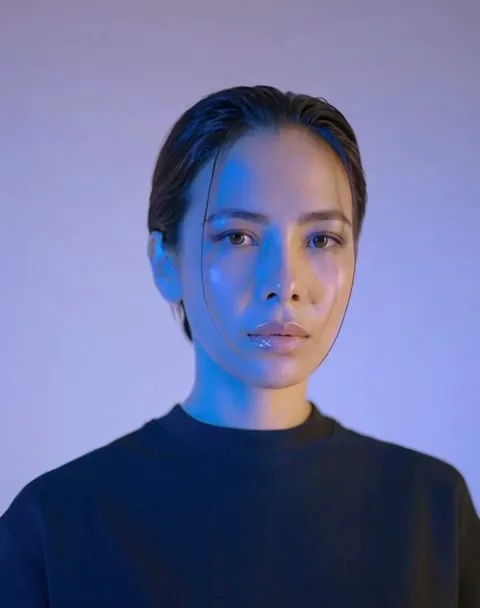

你的 AI 影片助理

說出想法、放入圖片,讓助理選擇工具、列出費用,再開始生成。透過對話,就能完成圖片與影片創作。

生成前先確認方案

影片靈感

為下一支影片找點靈感。

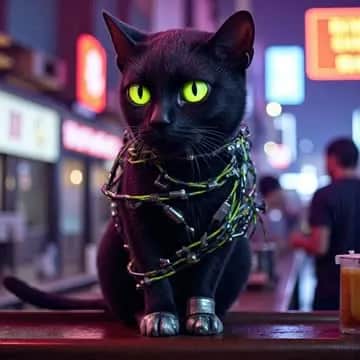
Masterpiece, 4k, 8k, high quality, highly detailed, concept art, A cyberneticly enhanced cat, glowing neon green eyes, cables on back, robotics, one paw is metalic, looking at view
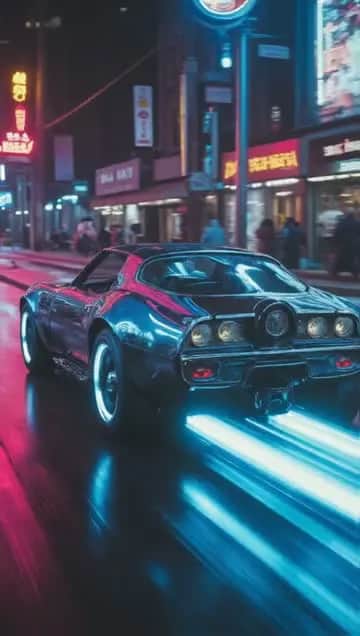
Muscle car moving down the street, bad ass
an abstract cosmic portal of pure neon energy, glowing violet and indigo, surrounded by a faint star-field on a deep-space backdrop. camera: slow push-in toward the portal, very sl
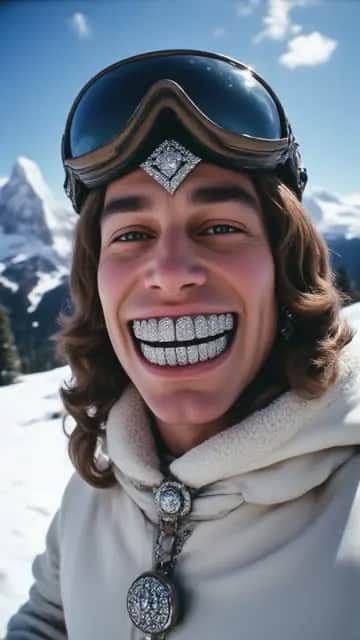
the snoboarder is happy smiling wide he turns away from the camera and snowboards away spraying the camera with snow
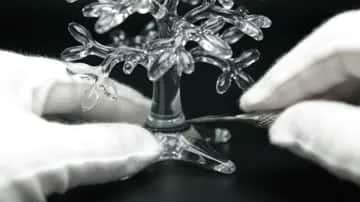
ASMR style cutting a glass tree
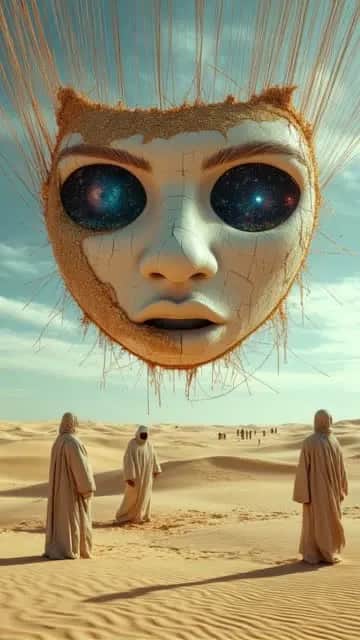
In the middle of an endless desert, a massive human face made of cracked porcelain lies half-buried in the sand. Its eyes slowly open, revealing swirling galaxies inside. Around it
Extended: alien beams down and laughs
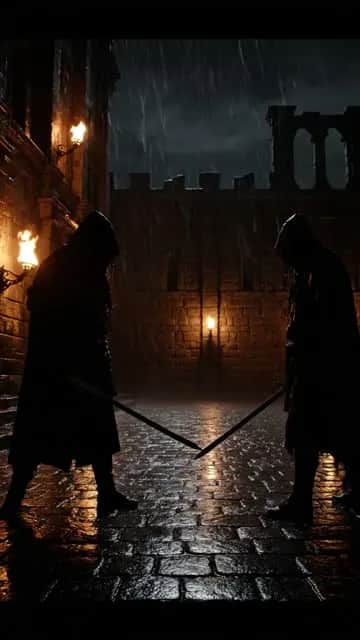
Wide cinematic shot of an ancient stone courtyard at night. Rain pours heavily, torches flicker against the dark walls, and thunder rumbles in the sky. Two lone warriors stand acro
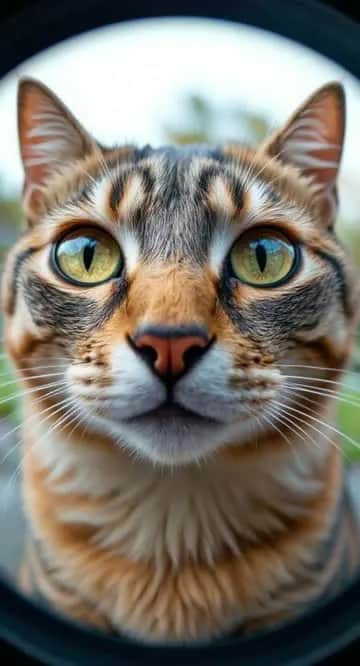
A cat looking through fisheye
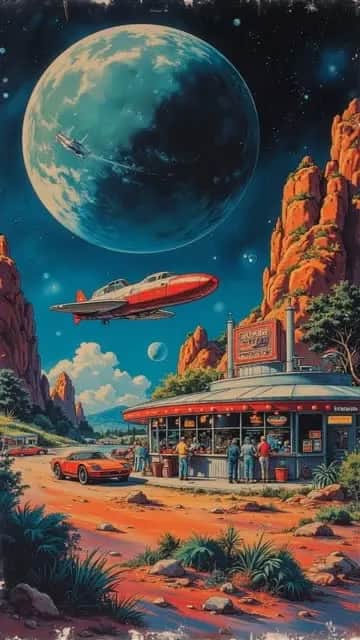
a sci fi image,retro scifi,50th style a diner on a asteroid,flying cars ,dynamic lights,in space,very colourful,4k,intricate details
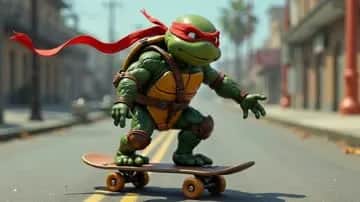
skating
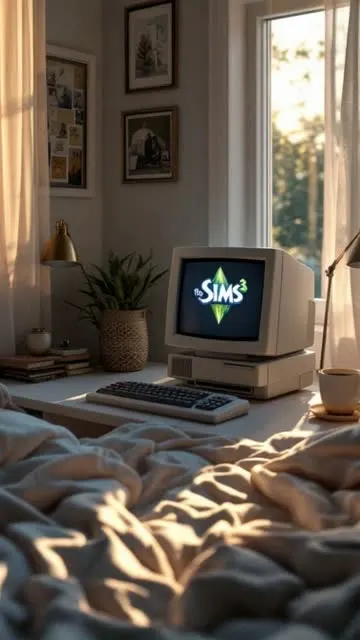
The computer screen changes to a loading screen, the coffee is steaming, it's a peaceful room, subtle movements, nostalgic
selfie-style. A friendly twenty-something travel vlogger holds a phone-camera at arm’s length while strolling through Seoul’s Gwangjang night market. Neon food-stall signs glow mag
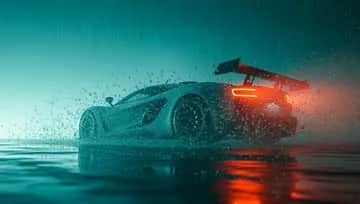
Drifting and spraying water
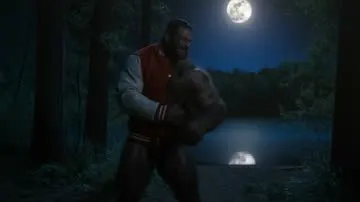
a realistic warewolf howling at a full moon, it is half man half wolf, super large muscles tear the seams of the clothing, the warewolf is wearing a letterman jacket in the deep mo
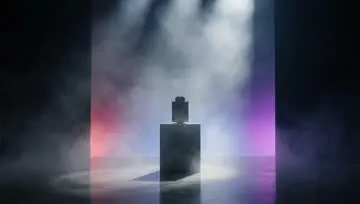
spinning and mist moving
The man was sent from the future and the electric vapor behind him glows and moves as he walks. towards the camera
martial arts

說出你的想法

告訴助理你想做什麼。它會選擇合適的工具與設定,整理成生成方案,讓你確認後再開始。

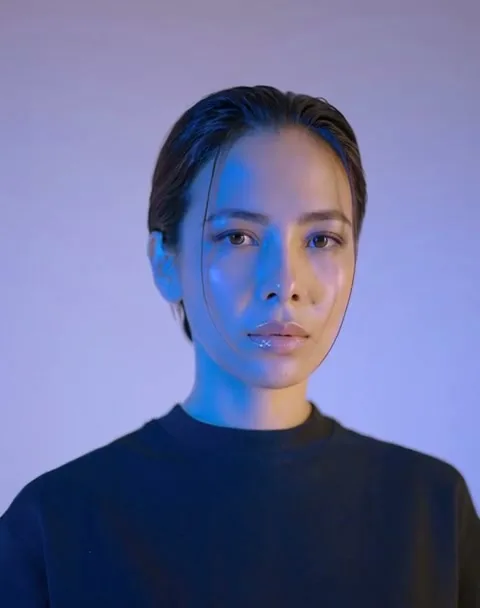
讓這張人物肖像動起來,鏡頭緩慢推近。
透過緩慢推近鏡頭,讓人物肖像動起來
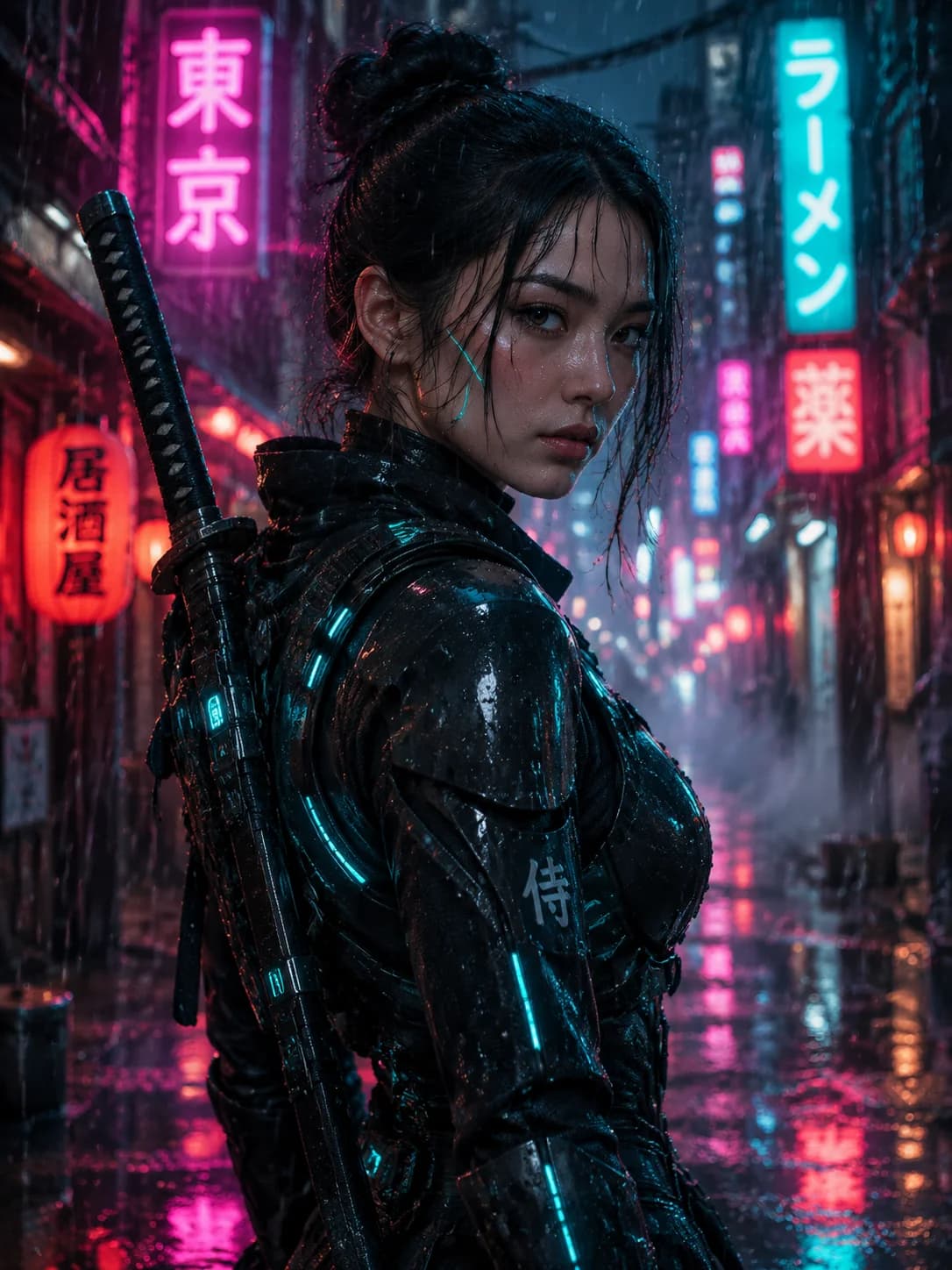
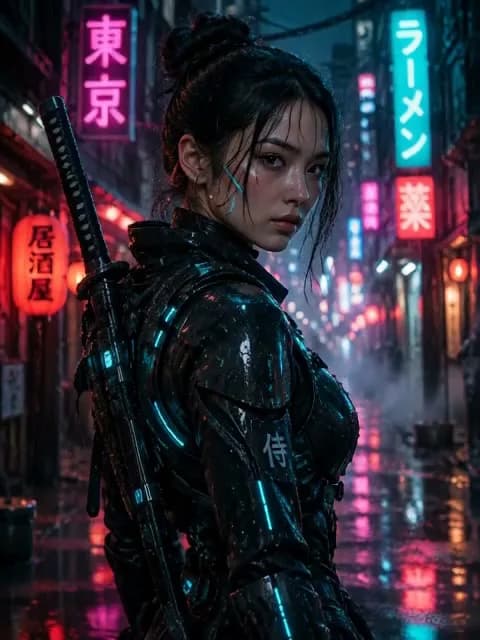
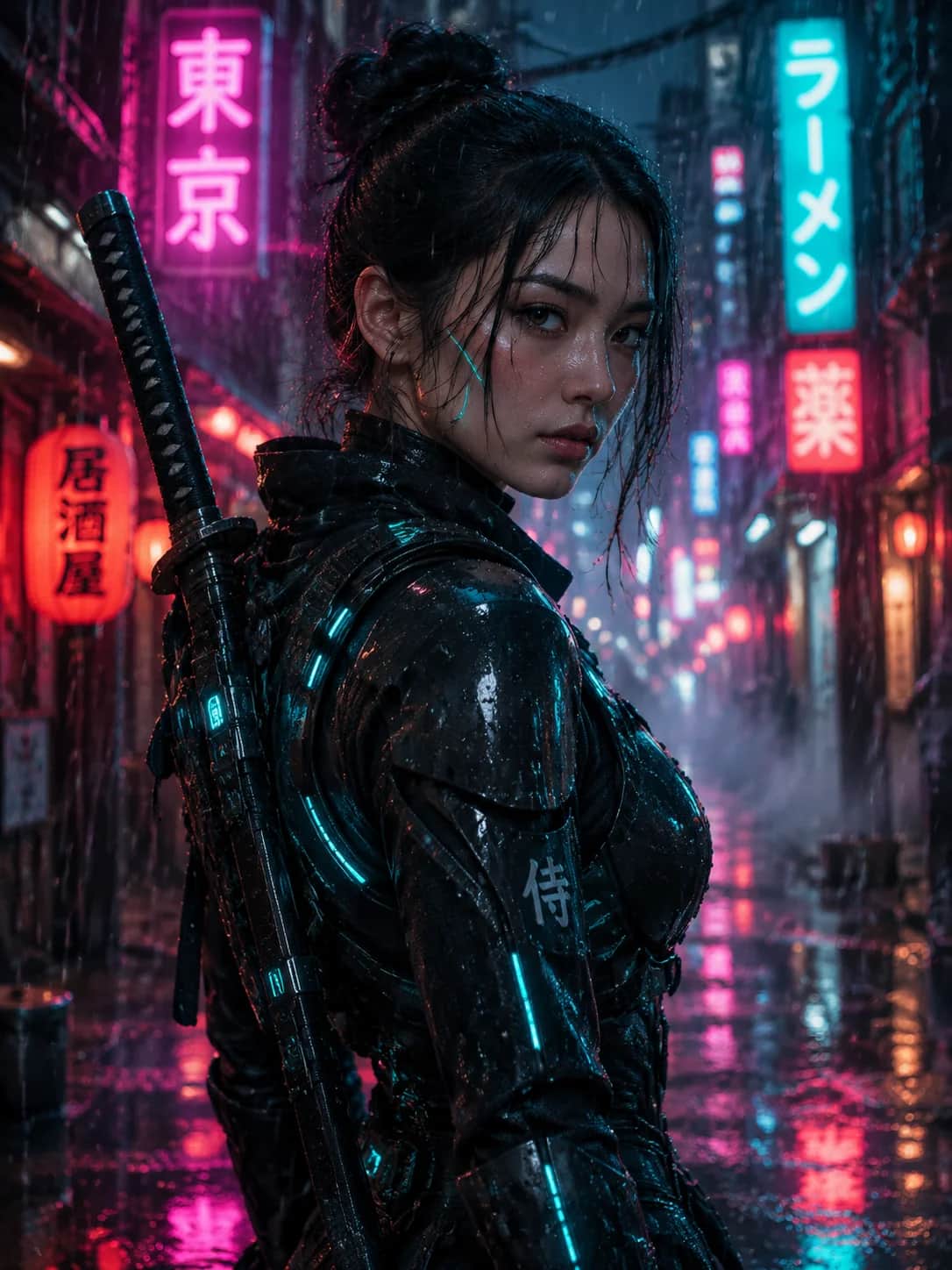
霓虹城市中的賽博龐克武士
生成圖片
由賽博龐克武士肖像生成的動態影片
讓圖片動起來
改為黑色電影風格的武士影片
改變氛圍

從生成結果繼續創作

先建立角色圖片,讓角色動起來,再試試不同的視覺風格。參考素材會保留在對話中,由你決定下一步要做什麼。

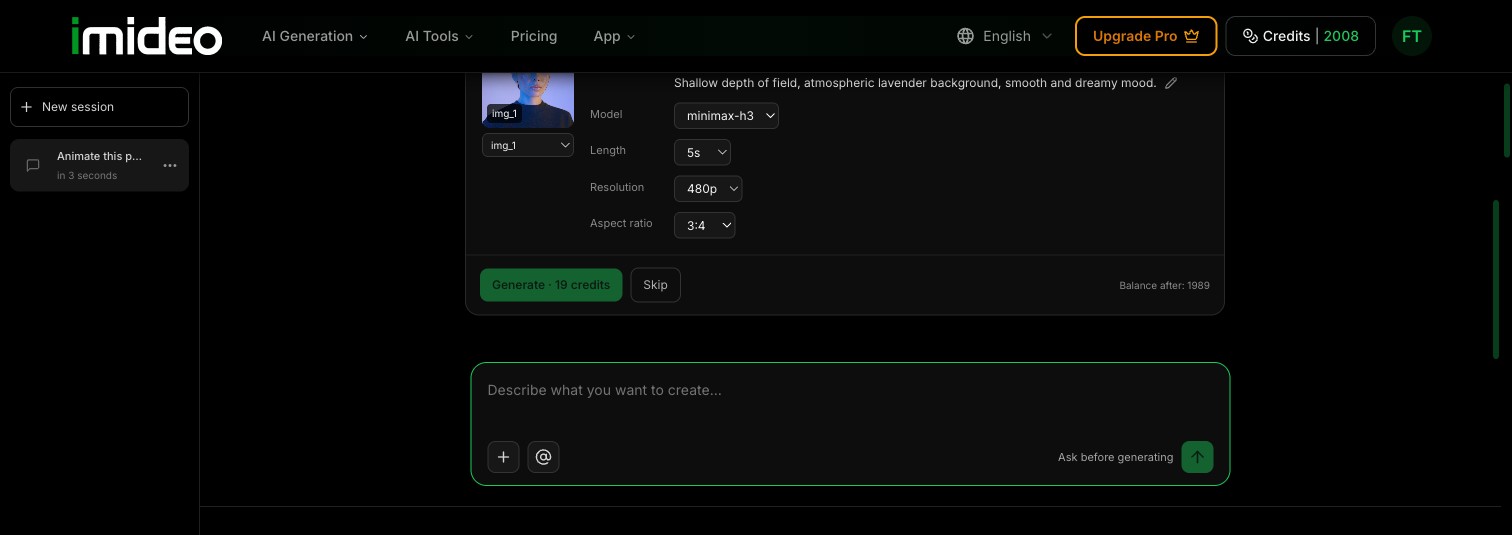
生成前,先看清費用

在確認卡片中查看模型、片長、解析度與所需點數。你可以調整可用設定,也可以略過方案。由你決定何時開始生成。

模型片長解析度點數

看 Agent 實際操作

一張照片、兩句話,做出 10 秒影片。全程真實錄製,只有生成等待的部分加速。

用 AI 影片助理,一步步完成創作

從第一個想法到下一支短片,都在同一段對話中。

1

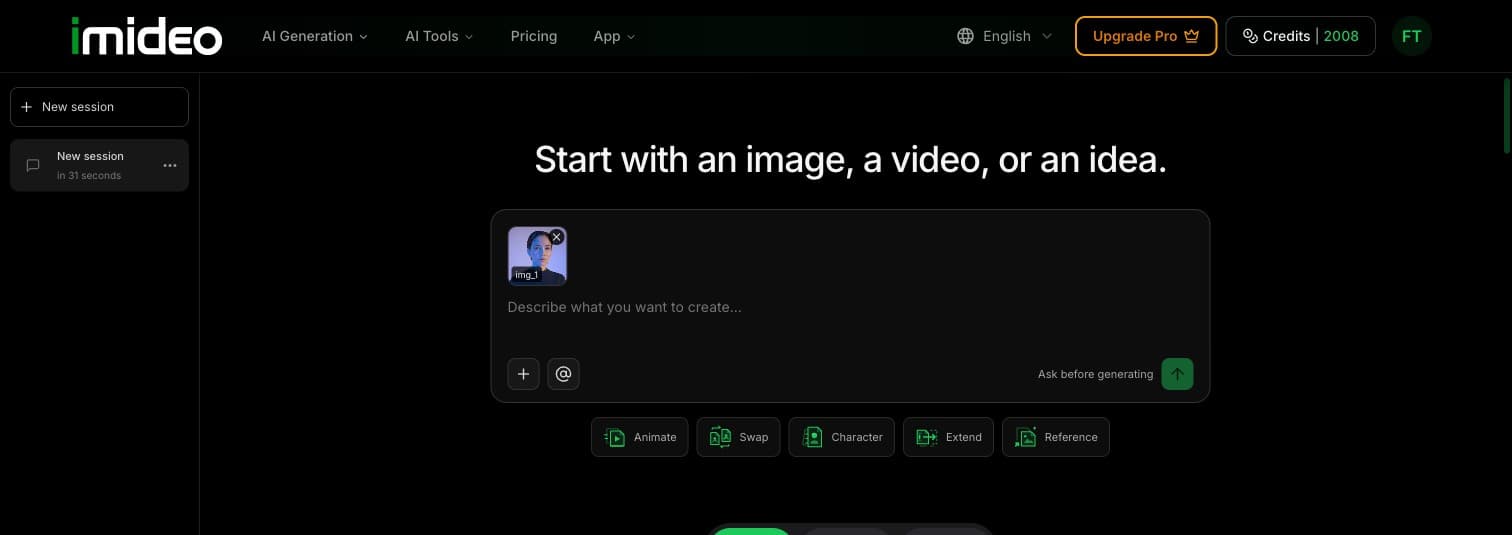
描述想法或上傳素材

寫下你想做的內容,或加入自己的圖片、影片作為起點。

Agent 對話中已上傳的參考圖片
2

確認方案與費用

查看建議的工具、可用設定與所需點數。準備好後再確認生成。

3

生成後,接著創作

下載結果,或將結果當作下一個需求的參考素材。每次新的生成都會另行確認。
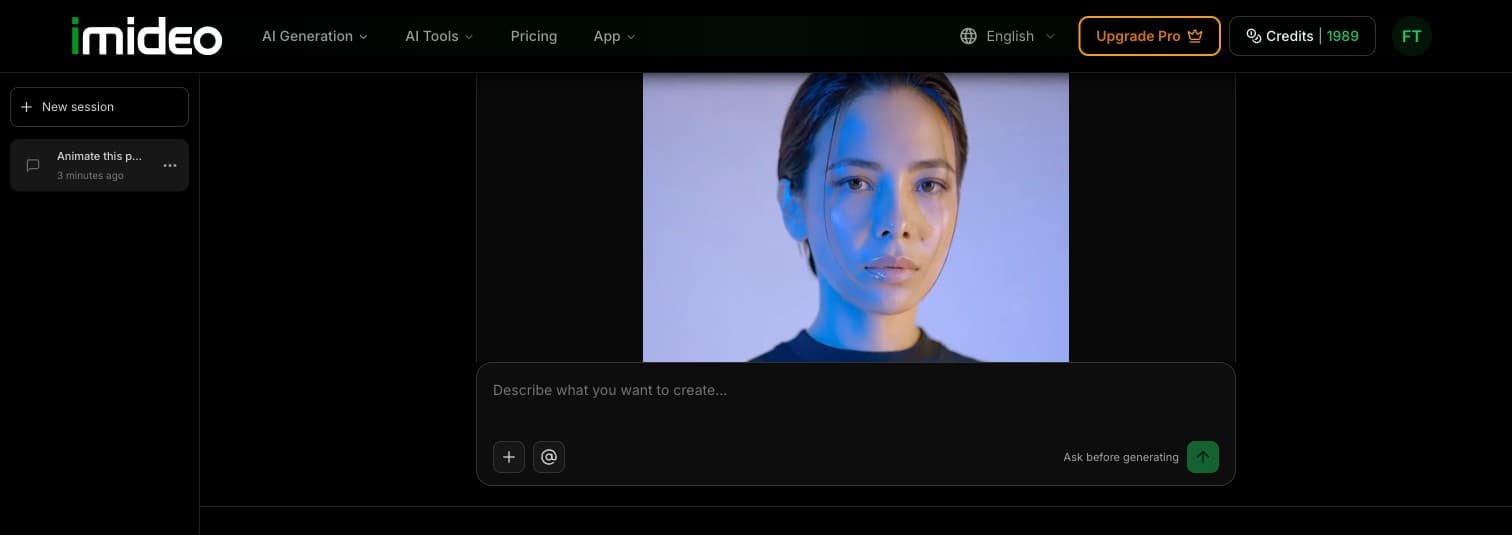
Agent 對話中已完成的影片

助理能幫你做什麼

在同一段對話中,使用不同工具生成與編輯圖片、影片。

01

文字生圖與圖片編輯

根據描述生成圖片,或編輯現有圖片。

02

圖片生成影片

描述想要的動態,讓靜態圖片變成影片。

03

參考圖片生成影片

用你的參考圖片引導新影片的生成。

04

影片風格編輯

提出新的創作方向,改變現有影片的視覺風格。

05

延長影片

描述後續內容,從影片結尾接著生成。

06

替換臉部、頭部或身體

用自己的參考素材,替換圖片或影片中的人物。

AI 影片助理常見問題

1什麼是 AI 影片助理?

AI 影片助理會把你的創作需求整理成生成方案。在 iMideo,你可以透過對話加入參考素材、確認建議工具與費用,並在同一個工作區生成圖片或影片。

2和文字生成影片工具有什麼不同?

文字生成影片工具會依提示詞產生影片。助理則能根據對話內容,協助選擇圖片生成、圖片動態化、參考圖片生成影片、影片編輯、延長或人物替換等功能。

3助理會直接開始生成嗎?

不會。開始生成前,助理會顯示確認卡片。你可以查看設定與點數費用,再選擇生成或略過。點選建議只會準備下一個需求,不會自動啟動任務。

4會使用哪些模型?

助理會從該任務可用的模型中選擇。在生成前,確認卡片會顯示建議模型與可切換的選項。可用模型與設定依工具而異。

5點數如何計算?

任務開始前,確認卡片會顯示所需點數。費用依工具、模型與設定而定。每次生成新的結果都是獨立任務,需另外計算點數。方案與點數資訊請見價格方案。

6可以使用自己的圖片和影片嗎?

可以。加入 JPG、PNG、WebP 圖片或 MP4 影片後,就能在對話中引用。助理會檢查檔案是否符合所選工具的要求。每張圖片上限 20 MB,每支影片上限 30 MB;個別工具可能還有其他限制。

開始創作你的第一支短片

帶著想法而來,一起確認方案,做出能繼續延伸的作品。
更多 AI 工具

AI 圖片合成工具

AI 圖片合成工具

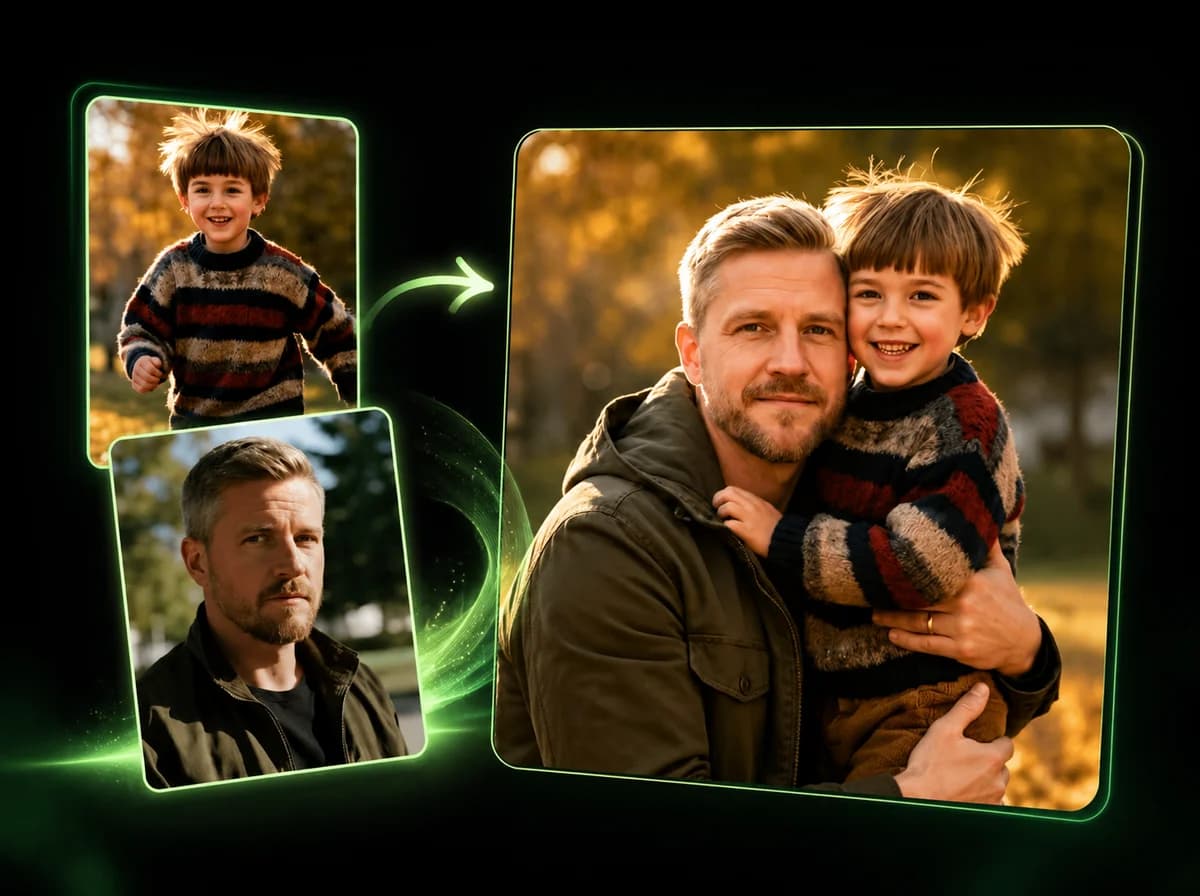
將 2–14 張照片自然合成一張 AI 圖片。

合併圖片 →