美食特寫
A close-up of hands gently slicing a ripe mango on a bamboo cutting board. The knife glides through the soft flesh with a wet, sticky sound. Juice slowly pools on the surface. The room is silent except for the smooth, squishy slice.

滑鼠移到影片上即可播放。點「Remix」會把它的提示詞載入生成器,讓你做出自己的版本。
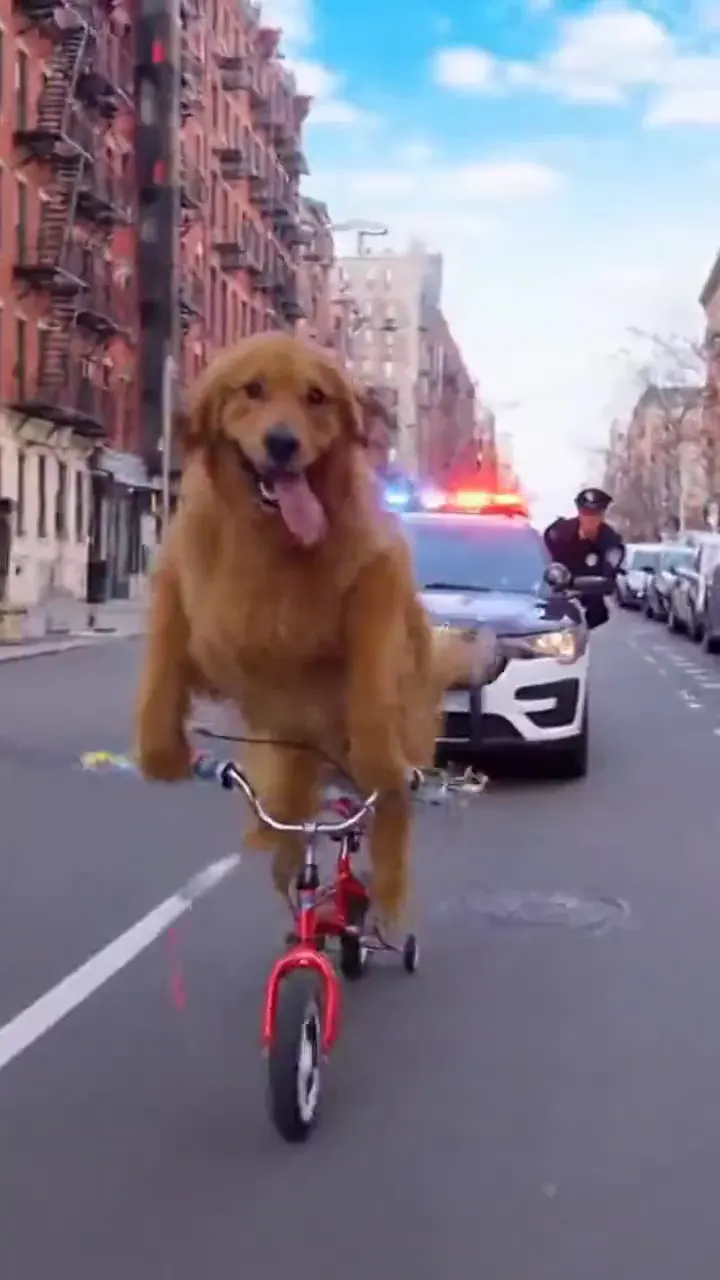
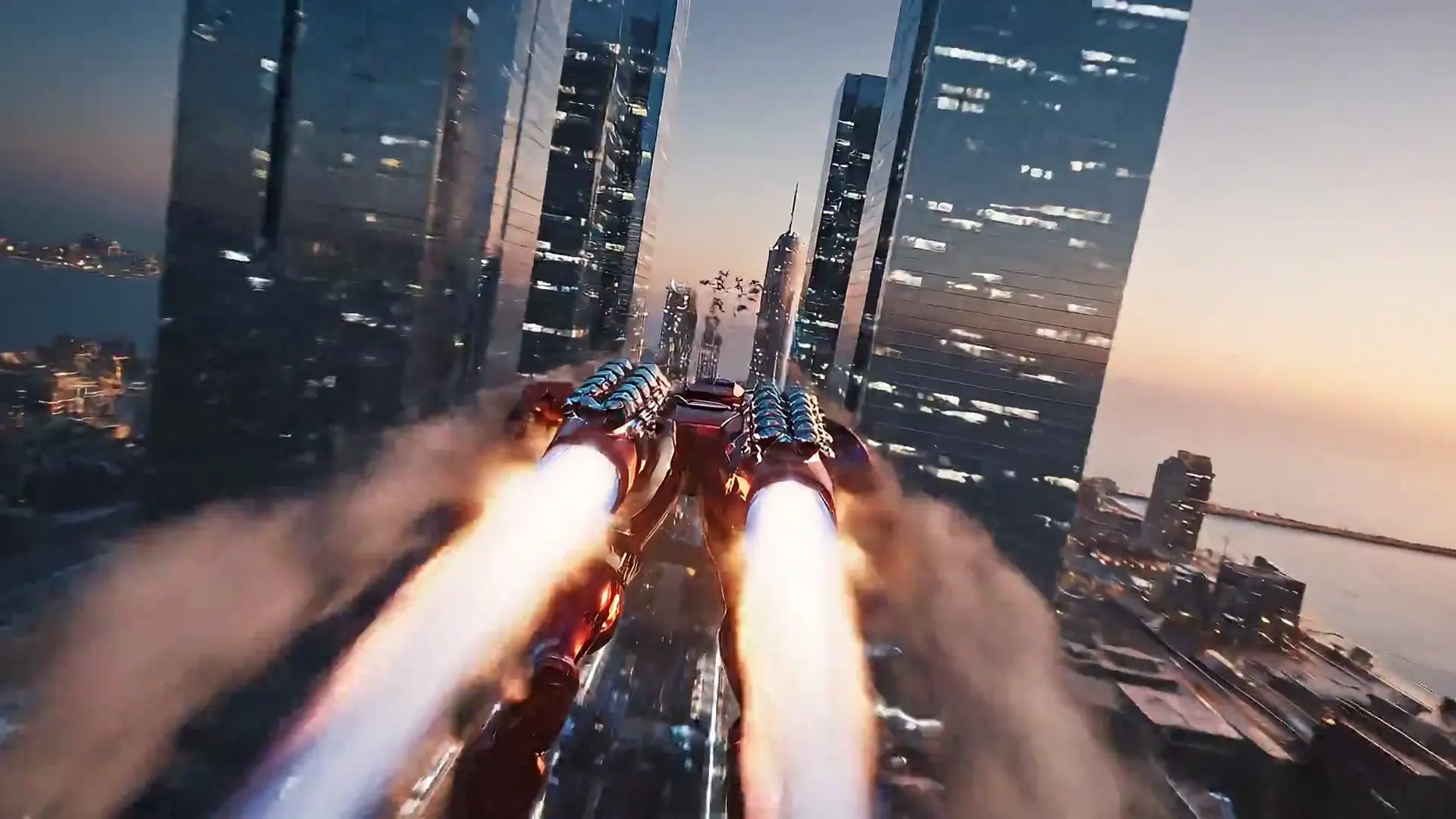
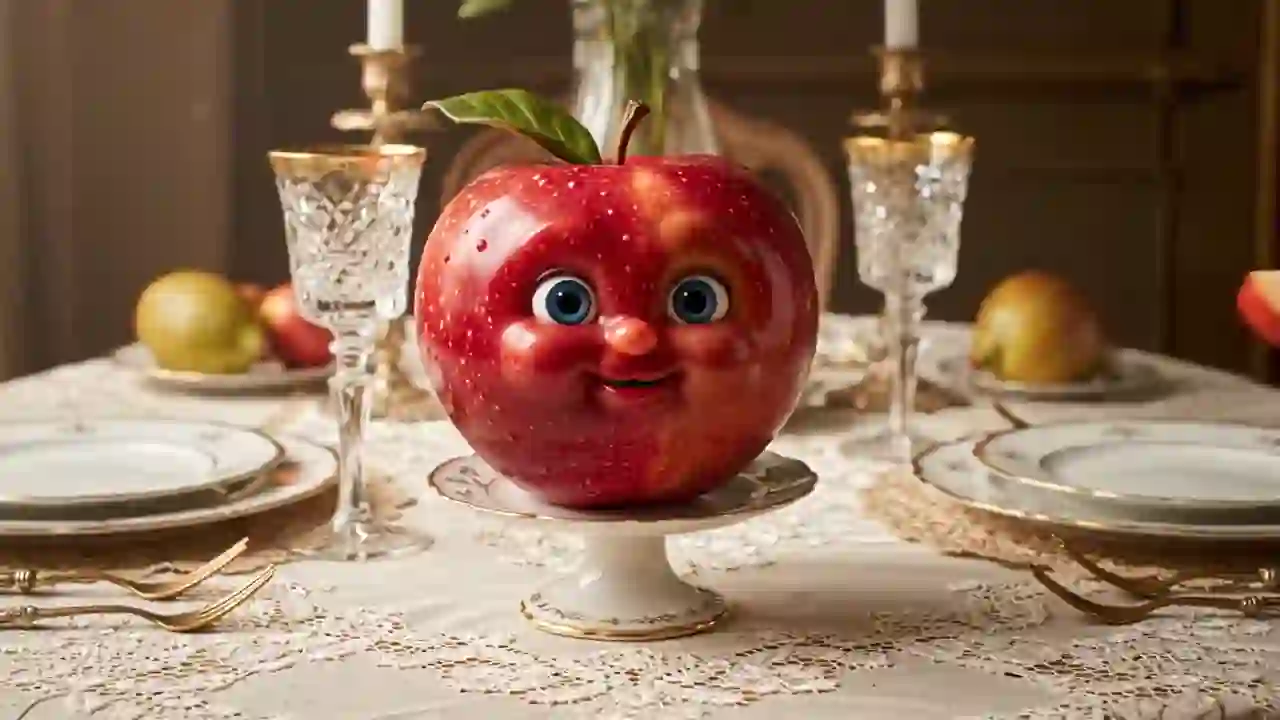
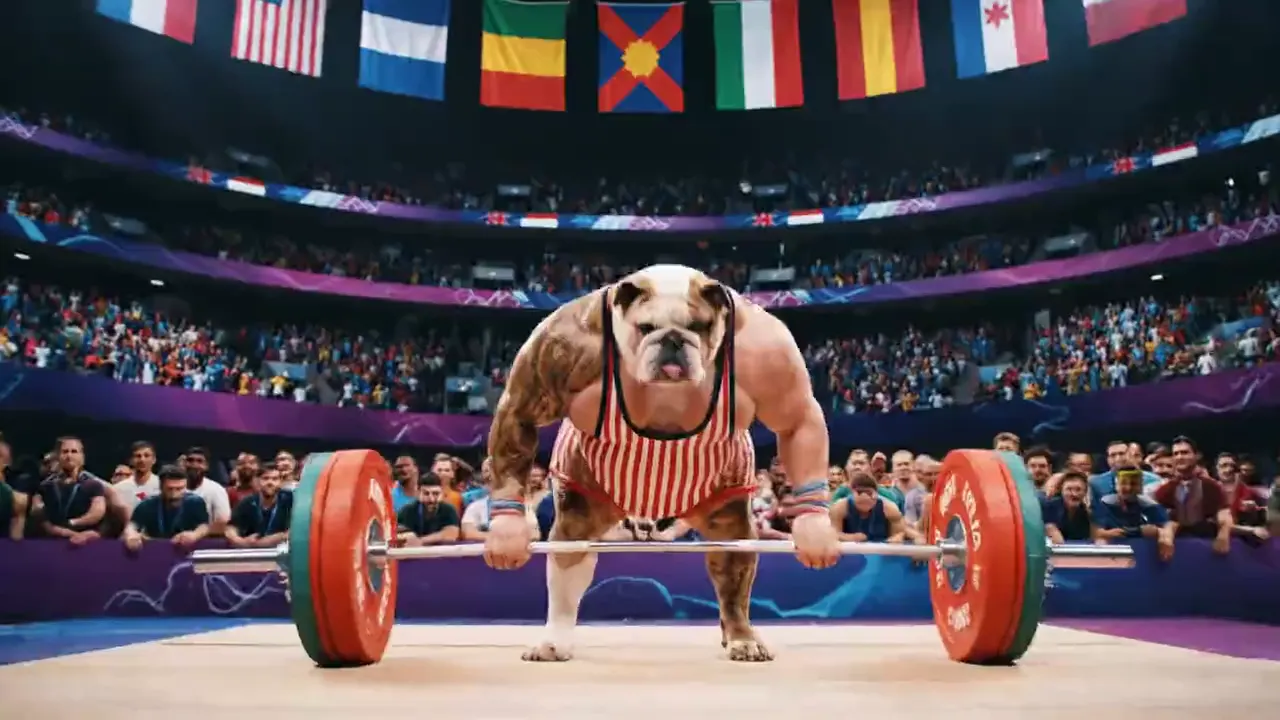
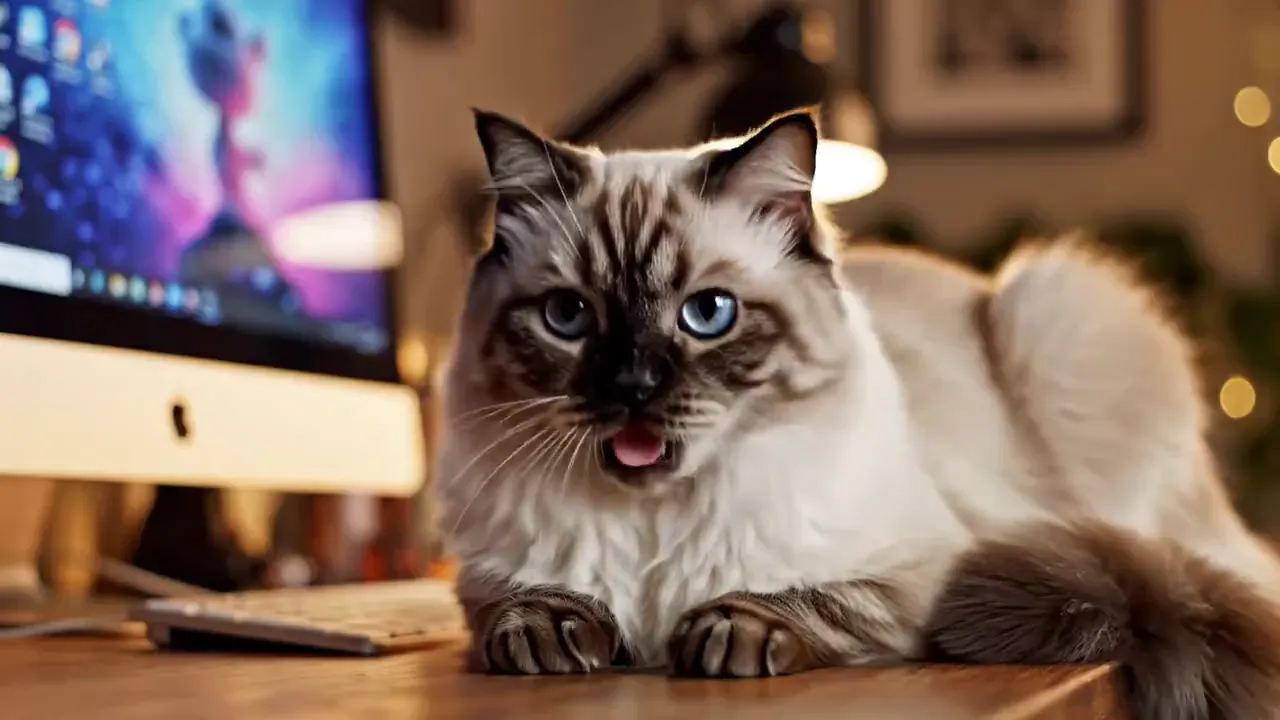
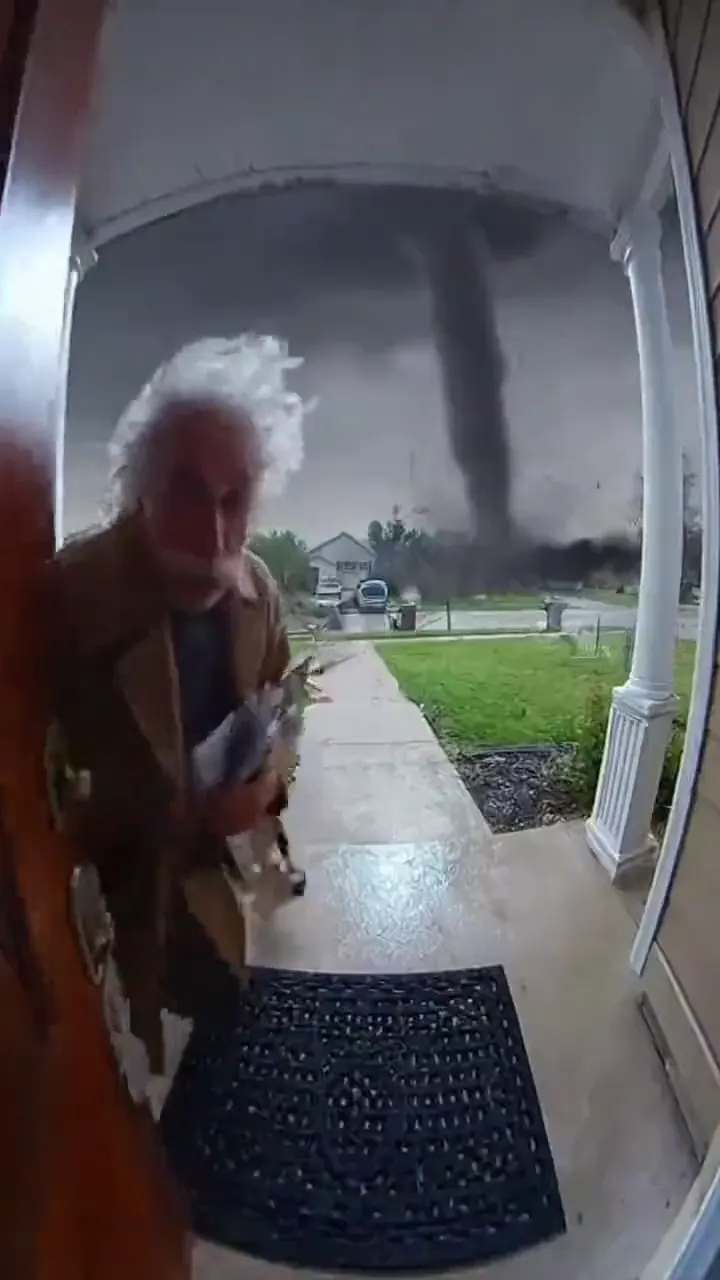
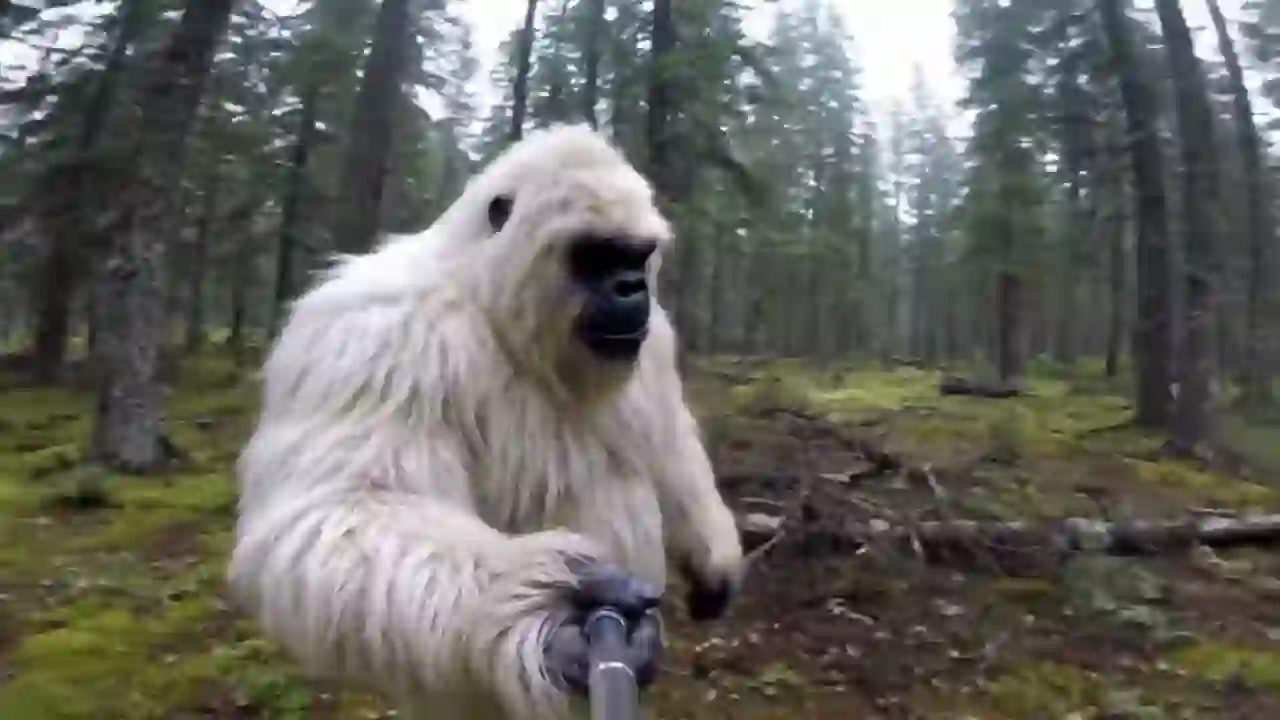
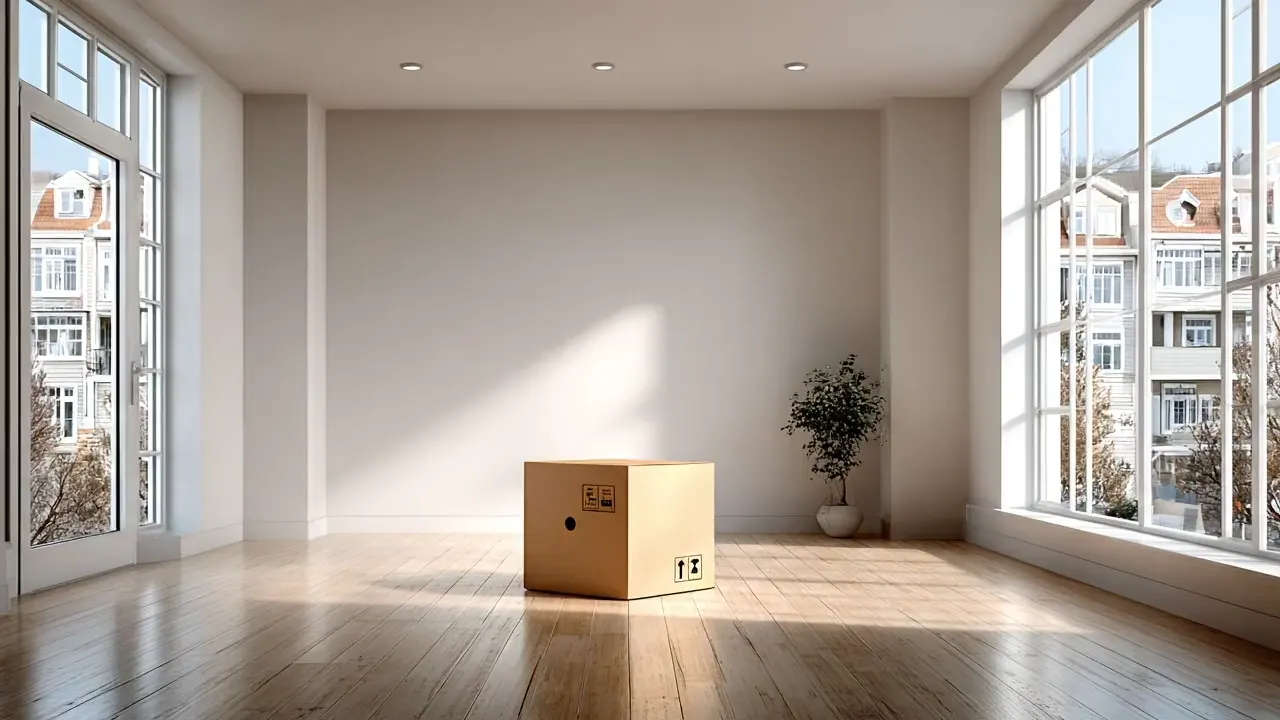
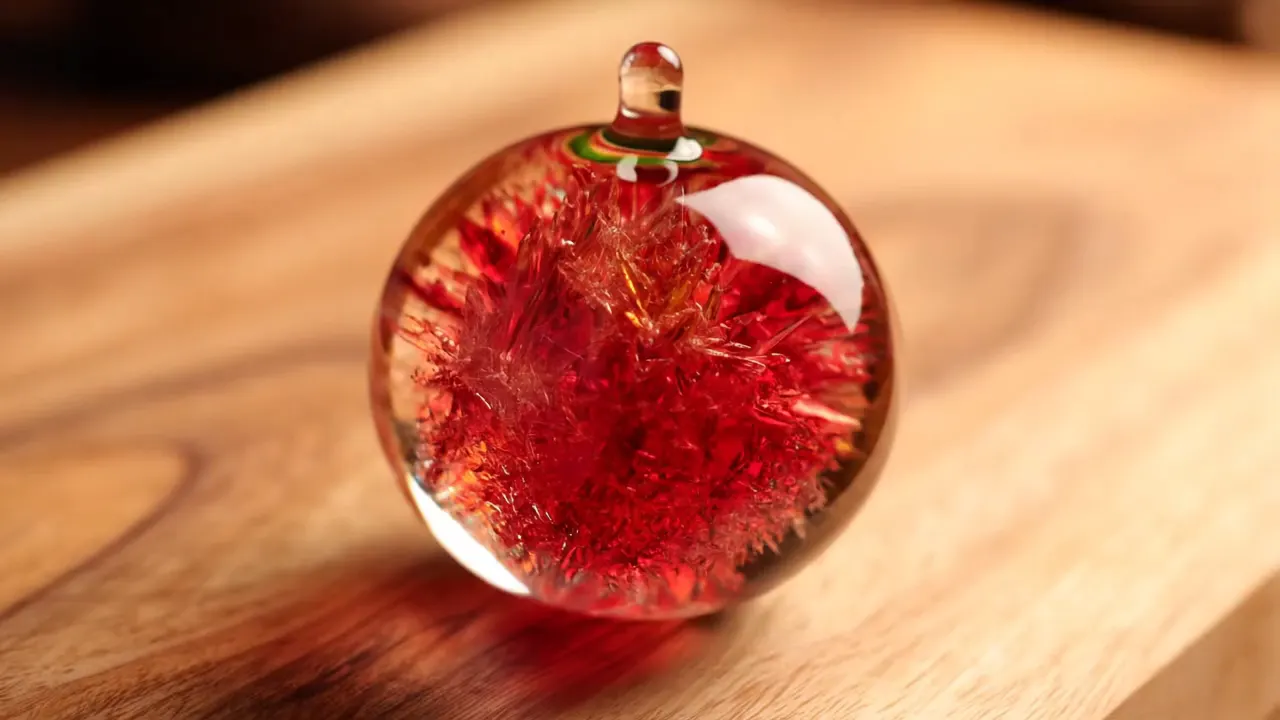
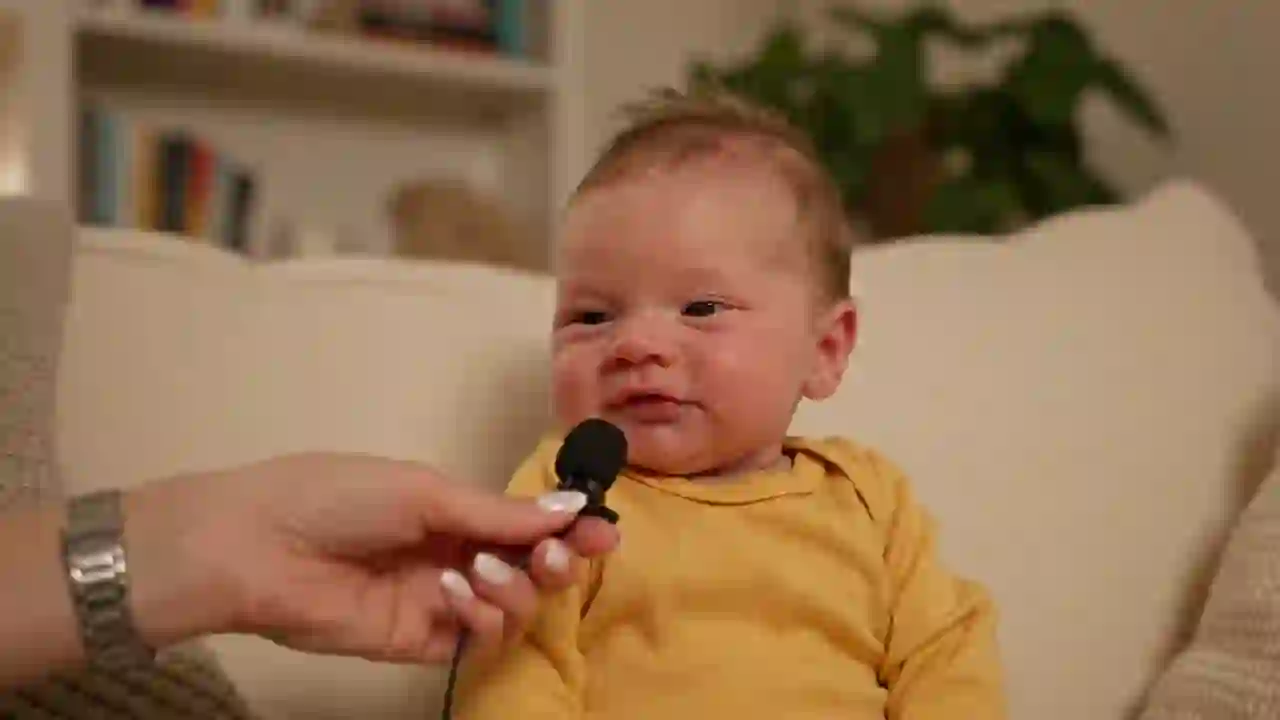
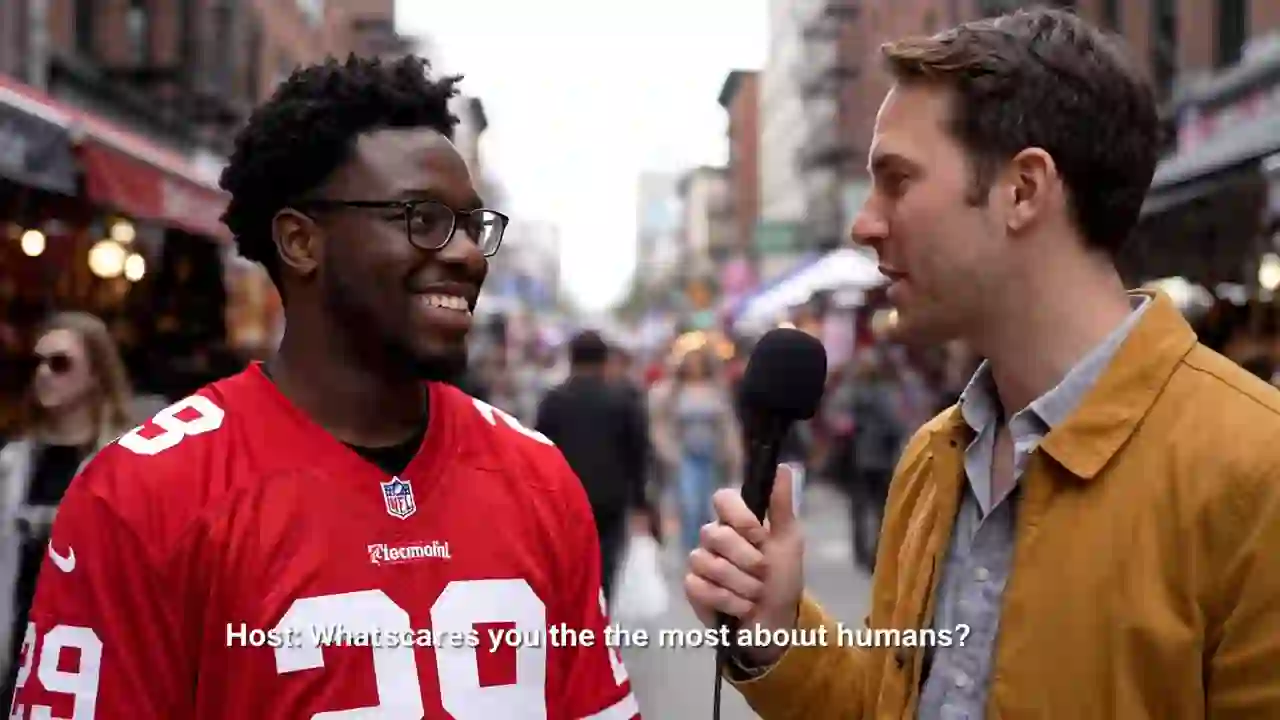
文字轉影片 AI 只靠一段文字描述就能生成影片。你寫下主體、發生什麼事、在哪裡、鏡頭怎麼移動,AI 就會生成每一格畫面。不需要拍攝素材、照片或剪輯軟體。 很適合那些難以實拍的點子:產品概念、分鏡、奇幻場景、B-roll 和快速廣告測試。已經有想讓它動起來的照片?圖片轉影片能完整保留主體原本的樣子。
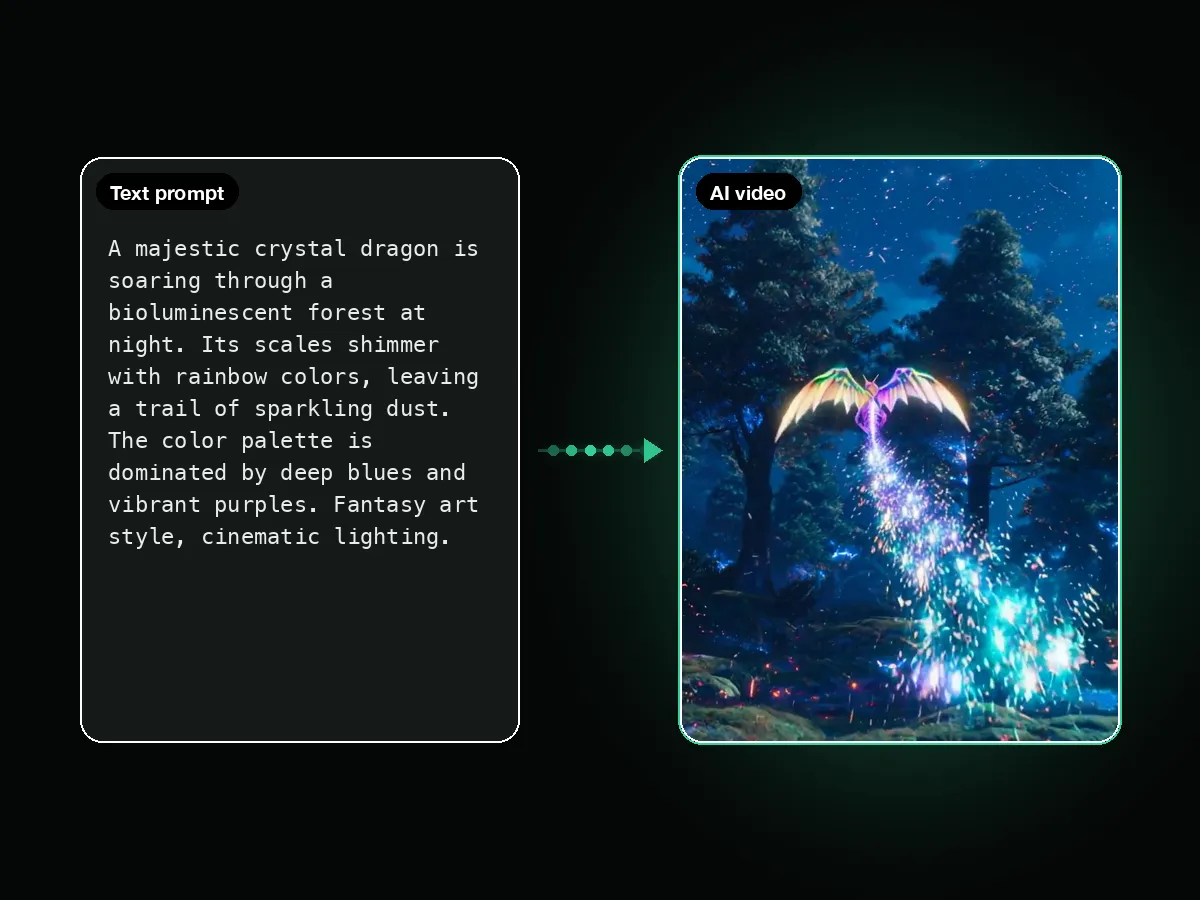
所有操作都在本頁上方的生成器裡完成。
用一兩句話清楚描述主體、動作、場景和鏡頭。可以套用下方的公式,或只打一個簡短想法,讓提示詞優化幫你補齊。
TikTok 和 Reels 選 9:16,YouTube 選 16:9,社群動態選 1:1。接著設定長度,多數模型可生成 3 到 15 秒的影片。
一次最多做 4 個版本,留下最喜歡的那支。送出前會顯示要花多少點數,完成後以 MP4 下載。
好的提示詞會回答六個問題:主體+動作+場景+鏡頭+光線+風格。不必每次六項都寫,但每多寫一項,AI 就少猜一點。
把主角寫具體。普通:一隻狗。更好:一隻穿皮夾克、戴護目鏡的白色蓬鬆小狗。
每段影片只描述一個清楚的動作。普通:狗很酷。更好:狗騎著摩托車奔馳在空蕩的沙漠公路上。
地點和時間決定整體氛圍。普通:戶外。更好:夜晚霓虹燈閃爍的城市巷弄,地面飄著細雨。
寫出鏡頭類型和運鏡方式。普通:很帥的鏡頭。更好:低角度跟拍,鏡頭從後方跟隨。
光線是最快定調氛圍的元素。普通:光線好看。更好:溫暖的黃金時刻逆光,柔和薄霧。
說明你要的視覺風格。普通:有藝術感。更好:吉卜力動畫風格,或 35mm 底片寫實風。
下面每段提示詞都實際生成了旁邊的影片。複製一段貼到生成器,換掉主體或場景,就是你自己的版本。
A close-up of hands gently slicing a ripe mango on a bamboo cutting board. The knife glides through the soft flesh with a wet, sticky sound. Juice slowly pools on the surface. The room is silent except for the smooth, squishy slice.
An anime-style red-haired schoolgirl runs with a piece of toast in her mouth, crossing a sunlit pedestrian crossing with cherry trees lining the street, school bag swinging behind her, camera tracking from the front as she dashes past, vibrant and energetic animation style.
In a neon-blinking, perpetually drizzling futuristic city alley, a delivery man in a reflective jacket zips past on a hover motorcycle. Pedestrians and robots on the side of the road are in a hurry. The camera follows with a dynamic low-angle shot, capturing the light trails from the motorcycle's taillights and the splashes of water, creating a strong sense of speed and futurism.
In felt-style, a small brown felt deer lowers its head to sniff a pink felt mushroom. White dandelion seeds float through the air as dappled sunlight filters through leaves, casting soft, playful shadows.
In a cozy mini kitchen, a cute little bear chef made of felt, wearing a tall chef's hat, is stirring a pot of steaming soup with a small wooden spoon. Behind it, a small shelf is filled with mini bottles and jars. Fixed camera position, close-up shot, showcasing a warm, healing, and childlike cooking scene.
A lone samurai in a small wooden boat navigating a stormy sea, in the ukiyo-e style of Hokusai's "The Great Wave". A giant, serpentine water dragon with glowing eyes rises from the stylized, swirling waves. The sky is a flat, pale yellow. Japanese woodblock print style, dramatic, mythical.

Marcus T.
YouTube 創作者
輸入我想要的畫面、按下生成,就有新的 B-roll 素材可以用在影片裡。光是省下找圖庫影片的時間,就真的有好幾個小時。

Sarah L.
行銷經理
我們花一個下午就做出一支簡短的產品介紹影片。下幾個提示詞就有足夠的片段,可以測試團隊最喜歡哪個切入角度。

David K.
獨立電影創作者
做分鏡和概念測試很實用。正式開拍前就能先把場景視覺化,前製工作也更有方向。

Jessica P.
社群經理
現在我們做 TikTok 內容快多了。AI 從幾個字就能抓到氛圍,所以提示詞可以寫得簡短又清楚。

Ryan M.
數位學習設計師
我用它來做課程開場和章節轉場。學生很喜歡這種有動感的畫面,而且完全不需要影片剪輯軟體。

Priya S.
新創創辦人
我們沒有製作預算,就用它做募資簡報要用的影片。只要幾段短片,產品概念就變得具體、好想像多了。

Alex C.
遊戲開發者
我用它來做過場動畫和場景動畫的原型。比起從頭全部手工做動畫,省下了大量手工作業。
關於用文字提示詞生成影片的快速解答。
你寫下場景描述,AI 會逐格生成符合描述的短影片。過程中不使用素材庫影片,所以同一段提示詞每次生成的結果都會略有不同。
用一兩句話涵蓋主體、動作、場景、鏡頭、光線和風格。例如:「一隻羊毛氈小鹿低頭聞著粉紅色蘑菇,蒲公英種子在斑駁陽光中飄浮,羊毛氈動畫風格。」可以參考上方的提示詞公式和可複製範例。
在大多數國家,新帳號會獲得少量試用點數,付費前可以先試幾段提示詞。每次生成會依模型、長度和解析度扣點,送出前會顯示確切點數。點數方案與訂閱請見價格頁面。
需要,生成影片前要先建立免費帳號,用來保存你的影片並記錄點數。
取決於你選的模型。大多數影片長度在 3 到 15 秒之間,少數模型最長可達 30 秒。想做較長的故事,可以用相同的角色與風格描述生成多段,再用剪輯軟體接起來。
部分模型可以連同影片一起生成音訊,選到支援的模型時,生成器會出現音訊開關。其他模型生成的是無聲影片,你可以之後在任何剪輯軟體中加入音樂或旁白。
可選直式 9:16、橫式 16:9、方形 1:1,許多模型還支援 4:3、3:4 或 21:9。多數模型提供 480p 或 720p,1080p 限訂閱方案使用。所有影片都以 MP4 下載。
只要你的提示詞和預定用途沒有侵犯他人的肖像、商標或著作權,就可以商用。常見用途包括廣告、社群貼文、分鏡和客戶提案初稿。在平台要求時,請標註 AI 生成。